Free Powerpoint Trivia Game Templates – Looking for free PowerPoint trivia game templates? These ready-to-edit slide decks make it easy to host engaging quiz nights, classroom reviews, team-building sessions, or family game nights across the USA. Whether you need a classic Jeopardy-style board, multiple-choice trivia rounds, or a polished trivia night layout, free editable PowerPoint templates save time and look professional.
This resource page explains what these templates offer, how to use them, and where to find legitimate free downloads.
What Are Free PowerPoint Trivia Game Templates?
Free PowerPoint trivia game templates are pre-designed .pptx files built for quiz and game-show formats. They typically include:
- Category boards or question slides
- Point values or scoring areas
- Answer reveal slides
- Title, rules, and closing slides
- Editable text boxes so you can swap in your own questions and categories
Most work offline in Microsoft PowerPoint and many also open in Google Slides. Teachers use them for unit reviews and test prep. Offices use them for training and icebreakers. Families and friends use them for parties and virtual gatherings.
Popular styles include Jeopardy (categories + point values), multiple-choice rounds, true/false quizzes, and themed trivia nights.
Why Use a Free Template Instead of Building from Scratch?
Creating a fully interactive trivia game from a blank deck takes time—especially if you want clean design, consistent fonts, hyperlinks between slides, and score tracking. Free templates handle the layout and structure so you can focus on writing good questions.
They are especially useful for:
- Busy teachers preparing last-minute review games
- Event hosts planning a trivia night
- Trainers running knowledge checks
- Anyone who wants a polished look without design skills
Many templates are fully editable. Change colors, add images, adjust point values, and insert your own content in minutes.
Where to Download Legitimate Free PowerPoint Trivia Game Templates?
Here are trusted sources that currently offer free, downloadable PowerPoint trivia and quiz game templates. Always download from the official page and check the license (most allow personal and educational use; some require attribution).
- ClassPoint – Interactive PowerPoint Game Templates
Includes a free bundle with Trivia Quiz, Jeopardy, Family Feud, Memory, Hangman, Wheel of Fortune, and more. Templates are designed for classroom use and work especially well with the free ClassPoint add-in for live student responses and leaderboards.
Download free PowerPoint game templates from ClassPoint - Free PowerPoint Templates – Trivia Night Template
A straightforward 10-slide trivia presentation template with cover, host intro, question slides, and answer layouts. Suitable for parties, online meetings, or simple classroom quizzes. Registration may be required to download.
Get the free Trivia PowerPoint template - SlidesCarnival – Retro Neon Trivia Night Game
A vibrant, 80s-inspired free template available as PowerPoint, Google Slides, and Canva. Features 25+ customizable slides perfect for themed trivia nights or classroom games. Free under Creative Commons Attribution (keep the credit).
Download the Retro Neon Trivia Night template - PPTVBA – 7 Free PowerPoint Quiz Templates
Collection of interactive quiz templates including simple multiple-choice, true/false, scoreboards, Millionaire-style, and Jeopardy formats. Many include sound effects and basic automation.
Download free quiz and Jeopardy templates - Havi – Free Jeopardy Templates for PowerPoint & Google Slides
Ready-to-copy Jeopardy boards for classroom, corporate training, and party use. Free to open, edit, and export as .pptx.
Get free Jeopardy templates
Stick to these official pages. Avoid random file-sharing sites that may bundle malware or claim “free” templates that actually require payment later.
Free Powerpoint Trivia Game Templates
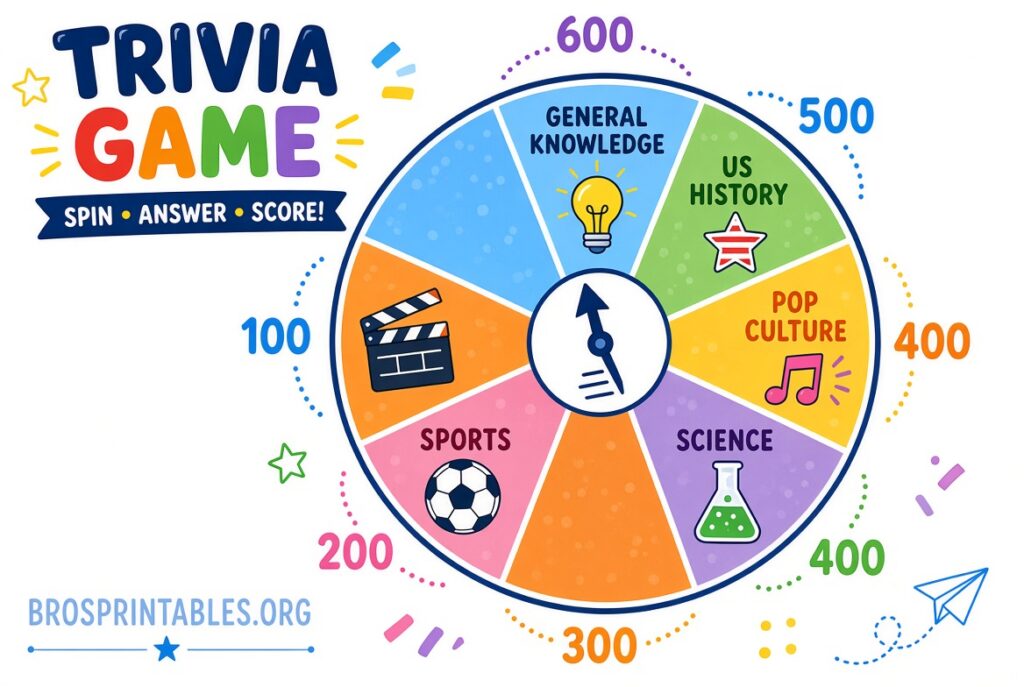
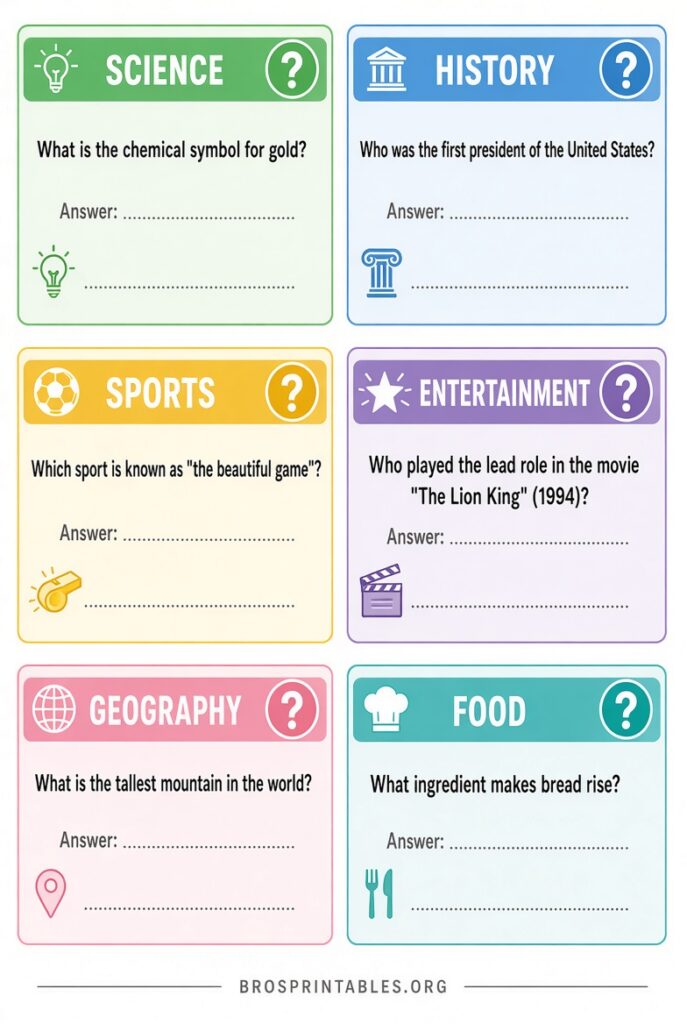
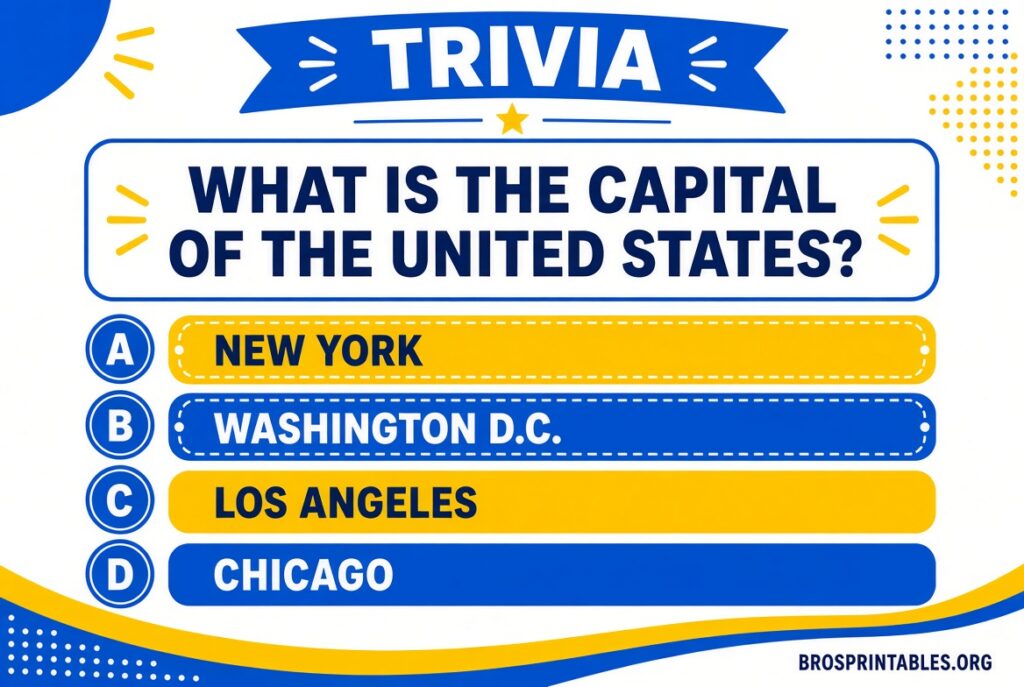
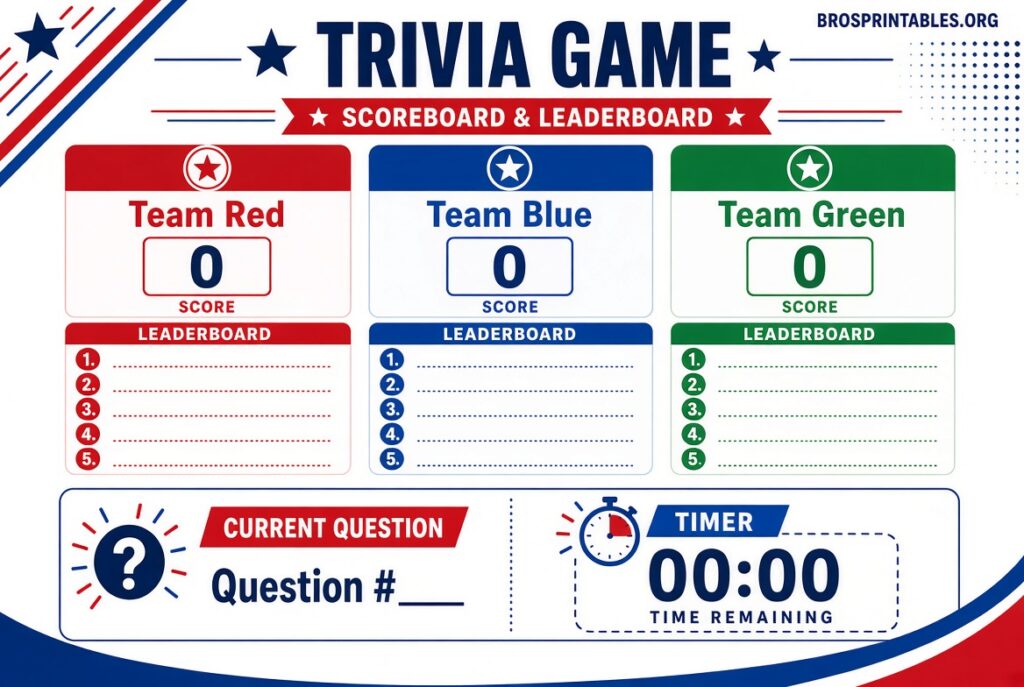
How to Customize and Run Your Trivia Game?
- Download the .pptx file and open it in PowerPoint (or upload to Google Slides).
- Replace sample questions and categories with your own content. Keep difficulty balanced.
- Update team names, point values, or scoring slides as needed.
- Test all hyperlinks and transitions in Slideshow mode before game day.
- For larger groups, project the board and track scores on a whiteboard or separate slide.
- Optional: Add your own images, timers, or sound effects for extra energy.
Pro tip for teachers and trainers: Prepare answer keys on a hidden slide or separate document so you can reveal correct answers quickly.
Tips for a Successful Trivia Night or Classroom Game
- Write clear, fair questions and avoid obscure trivia that only one person will know.
- Mix easy, medium, and hard questions so everyone stays engaged.
- Set simple rules in advance (no phones, team consultation limits, etc.).
- Keep rounds short—three to five categories or 15–20 questions total usually works best.
- End with a fun Final Jeopardy or bonus round.
- For virtual events, share your screen and use chat or a polling tool for answers.
Brief FAQ
Are these templates really free?
Yes. The sources listed above provide free downloads. Some request a free account or attribution, but you do not need to pay to get the files.
Can I use them for commercial or classroom purposes?
Most allow personal, educational, and non-commercial use. Check the license note on each site (especially SlidesCarnival, which uses Creative Commons Attribution).
Do they work in Google Slides?
Many do. You can usually upload the .pptx file or use the Google Slides version when offered.
How do I make the game more interactive?
Pair a template with free tools like ClassPoint for live device responses, or simply have players write answers on paper and reveal them together.
Free PowerPoint trivia game templates give you a polished, ready-to-play experience without design work or cost. Pick a template that matches your event style, add your questions, and you’re ready to host. Start with one of the trusted links above and customize it for your next classroom review, office gathering, or family trivia night.