Free Spc Control Chart Template – Statistical Process Control (SPC) helps manufacturers and quality teams monitor processes, detect variation early, and keep products within specification. A free SPC control chart template gives you a practical starting point without buying specialized software.
This resource page explains what SPC control charts are, why they matter for U.S. quality programs, the main chart types, how to use a template effectively, and where to download legitimate free Excel and printable versions from trusted sources.
What Is an SPC Control Chart?
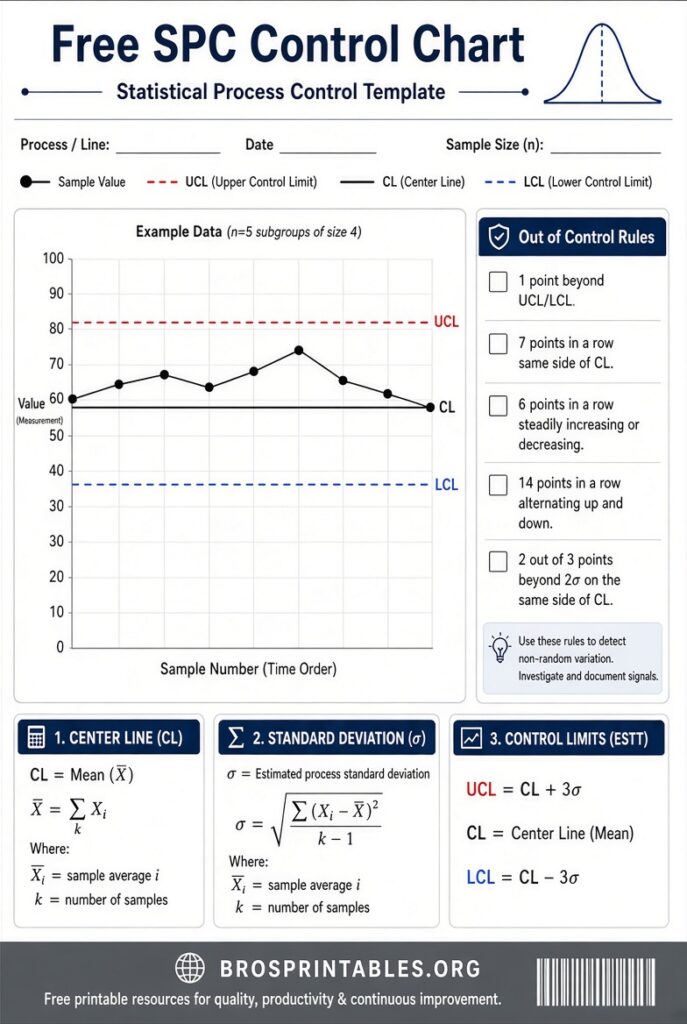
An SPC control chart (also called a Shewhart chart) plots process data over time against a center line (usually the process average) and upper and lower control limits. These limits are calculated from the process data itself, not from product specifications.
The chart distinguishes common-cause variation (normal, expected process noise) from special-cause variation (signals that something has changed and needs investigation). When points fall outside the limits or form non-random patterns, the process is considered out of statistical control.
Control charts support continuous improvement efforts common in U.S. manufacturing, automotive, medical device, aerospace, and other regulated industries that follow ISO 9001, IATF 16949, or Six Sigma practices.
Common Types of SPC Control Charts
Choose the chart that matches your data:
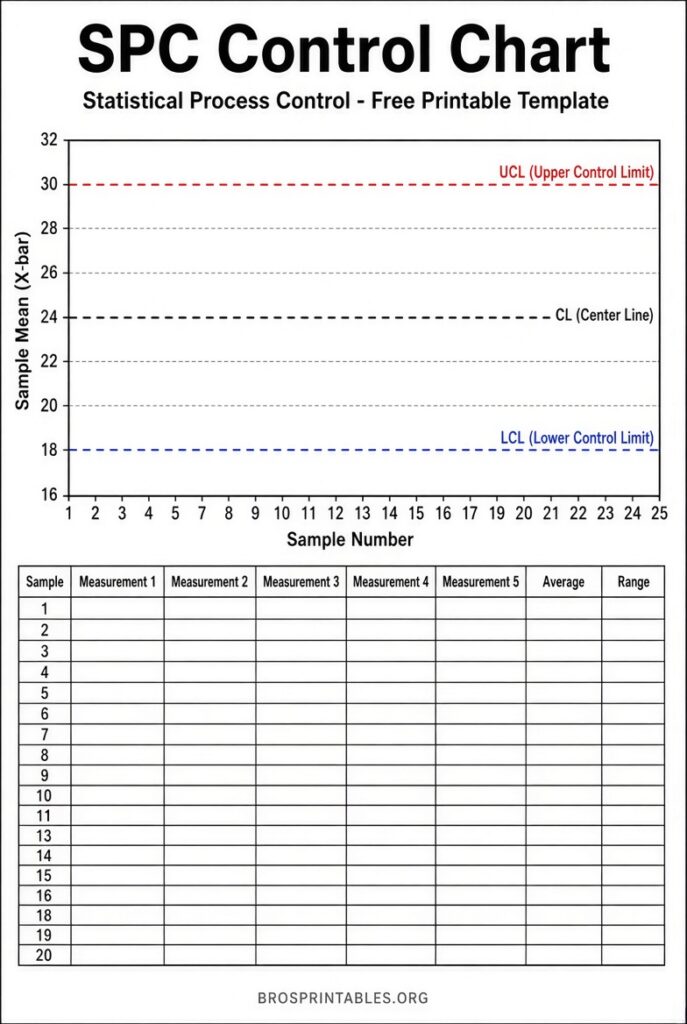
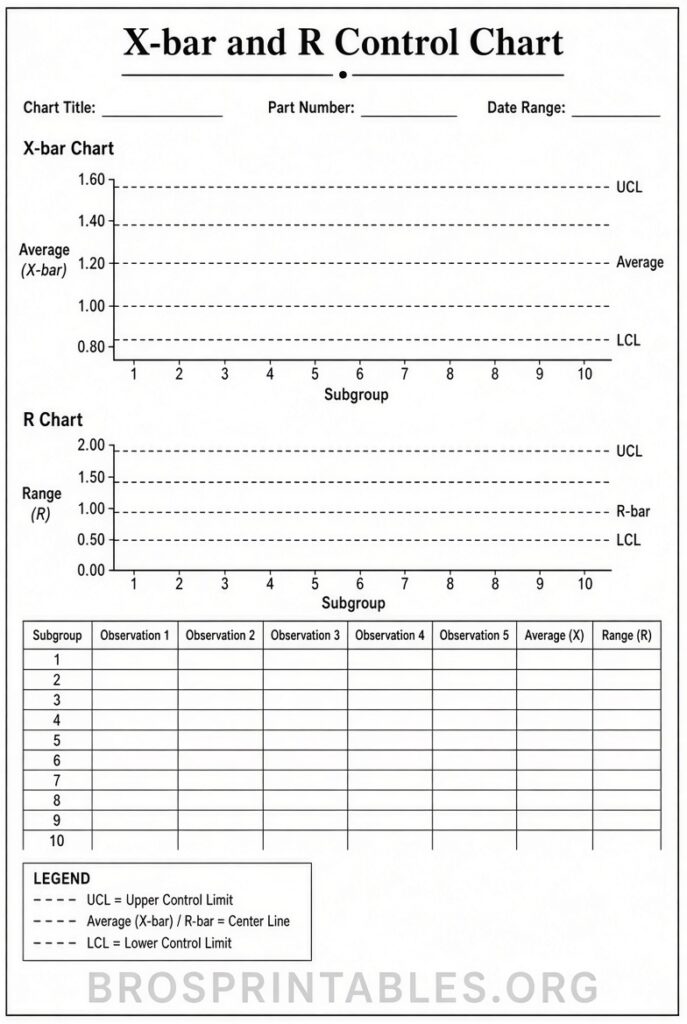
- X-bar and R (or S) charts — For continuous measurement data collected in small subgroups (typically size 2–10). The X-bar chart tracks the subgroup average; the R chart tracks the range (or S for standard deviation). These are the most widely used charts on the shop floor.
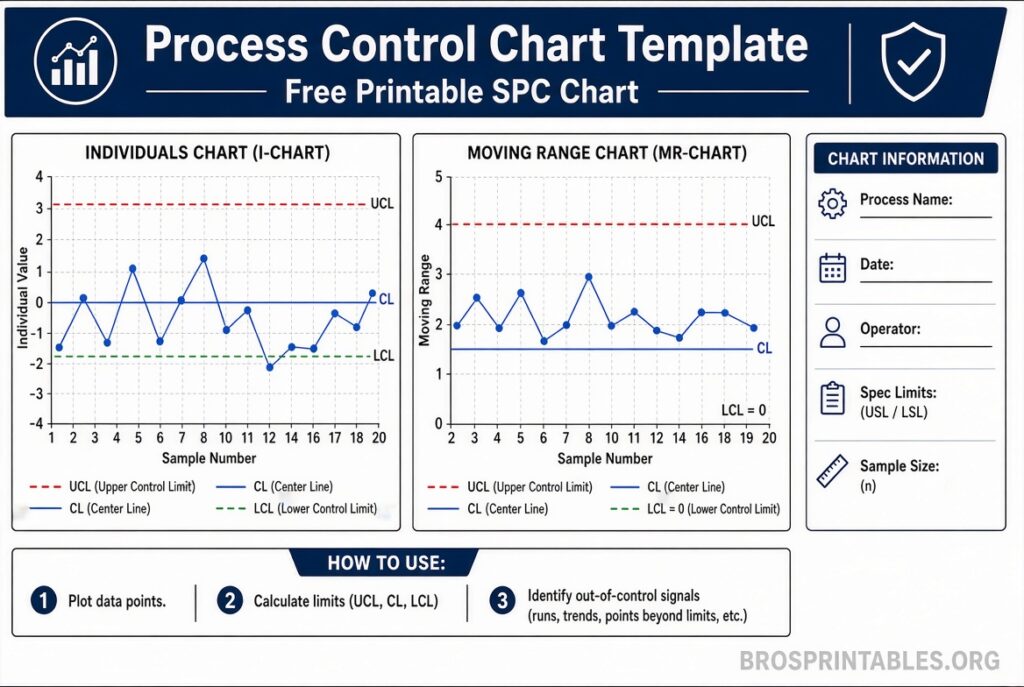
- Individuals and Moving Range (I-MR) — For individual measurements when subgroups are not practical.
- Attribute charts (p, np, c, u) — For defect counts or proportions (pass/fail data).
Most free templates focus on X-bar & R or I-MR charts because they cover the majority of variable-data applications.
Why Use a Free SPC Control Chart Template?
A good template calculates control limits automatically, plots the data, and often flags rule violations (Western Electric or Nelson rules). It lets quality engineers, technicians, and operators start monitoring quickly in Excel without advanced statistical software.
Templates are especially useful for:
- Establishing baseline process stability before capability studies (Cp/Cpk).
- Training operators on SPC concepts.
- Documenting process behavior for audits or customer requirements.
- Prototyping before investing in full SPC software.
Always verify the formulas match your needs and treat the template as a tool, not a substitute for proper statistical training.
Where to Download Free SPC Control Chart Templates?
Here are legitimate, currently available free resources (prioritized for authority and usefulness). All links open in a new tab.
The American Society for Quality (ASQ) provides educational control chart resources and a free Excel template. Visit the ASQ control chart page for guidance and the downloadable tool: ASQ Control Chart Overview and the direct template at ASQ Control Chart Excel Template.
Vertex42 offers a clean, no-macro Excel template for X-bar & R and X-bar & S charts with process capability calculations. It is designed for private educational use: Vertex42 Control Chart Template.
Indzara provides a free Statistical Process Control Chart Excel template that accepts date and metric data, applies selectable Nelson rules, and supports outlier exclusion: Indzara Free SPC Chart Template (includes direct .xlsx downloads on the page).
LeanSuite offers both Excel and printable PDF versions of an X-bar and R control chart template with constants, special-cause rules, a worked example, and a reaction log. Free after a simple name/email entry: LeanSuite X-bar and R Template.
These sources are established providers of quality and productivity tools. Avoid unverified “free download” sites that may bundle malware or require excessive personal data.
Free Spc Control Chart Template
How to Use an SPC Control Chart Template Effectively?
- Select the correct chart type for your data and sampling plan.
- Collect at least 20–25 subgroups of stable process data before calculating permanent control limits.
- Enter measurements carefully; verify gauge capability (Gage R&R) so the chart reflects the process, not measurement error.
- Plot the data and examine for out-of-control signals. Investigate and document special causes; remove assignable-cause points only after correction if recalculating limits.
- Keep limits stable after the process is in control. Recalculate only after intentional process changes.
- Pair the chart with a reaction plan so operators know exactly what to do when a signal appears.
Control limits are tighter than specification limits. A process can be in statistical control yet still produce nonconforming product (or vice versa). Use capability indices separately once stability is confirmed.
Brief FAQ
Is a free Excel template enough for real production use?
It works well for small-scale monitoring, training, and pilot programs. High-volume or regulated environments often move to dedicated SPC software for real-time data collection, audit trails, and multi-characteristic tracking.
Do I need advanced statistics knowledge?
Basic understanding of averages, ranges, and the difference between common and special causes is enough to start. Templates handle the formulas; interpretation and reaction are the human skills.
Can I print the charts for the shop floor?
Yes. Several of the templates above include or generate printable formats. Print the data table and chart side-by-side for operator use.
What are the most important rules for detecting signals?
Common starting rules include a single point beyond the control limits, runs of 7–9 points on one side of the center line, and certain patterns of points near the limits. Choose rules appropriate to your risk level.
A free SPC control chart template is a low-cost way to bring statistical thinking to your process. Start with one of the trusted downloads above, collect good data, and focus on acting on the signals the chart reveals. Consistent use builds process knowledge and reduces costly surprises.