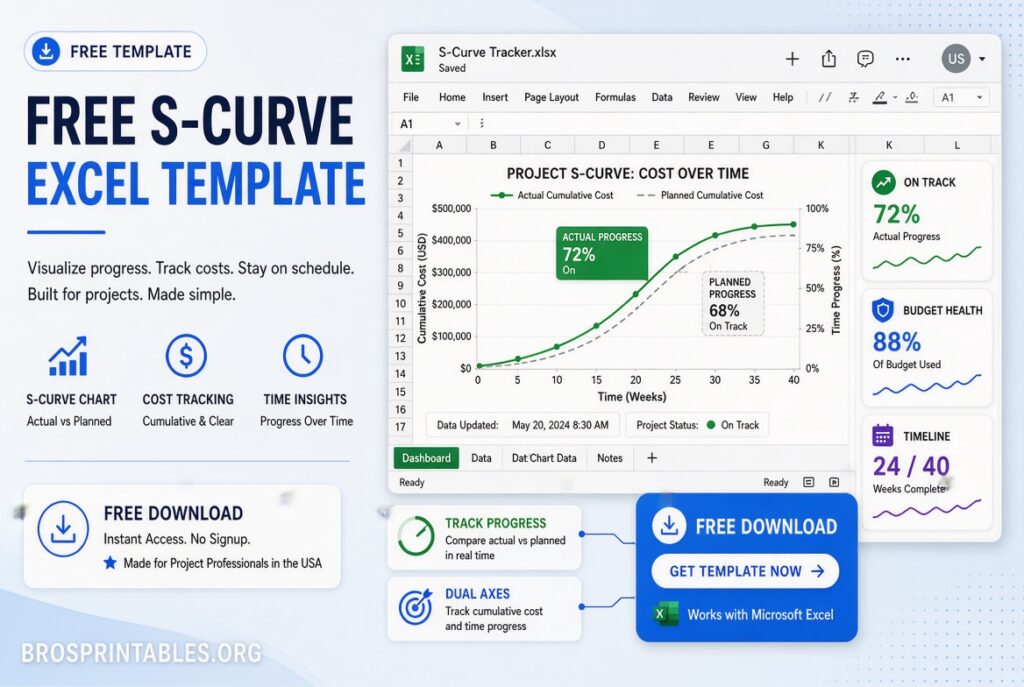
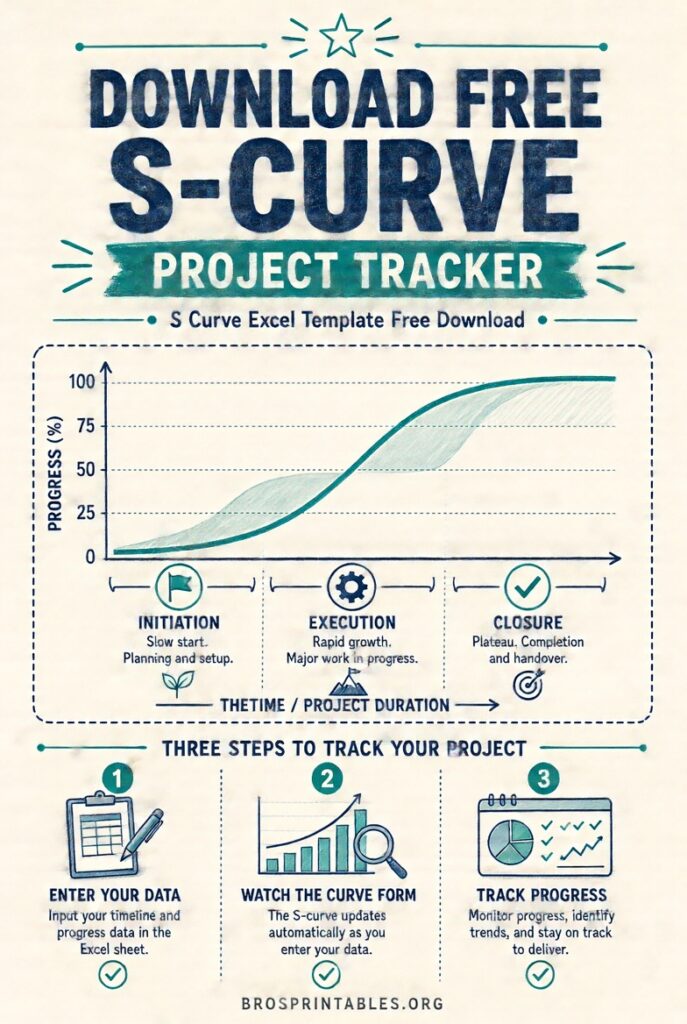
S Curve Excel Template Free Download – Looking for a free S curve Excel template download? An S-curve (or S-curve chart) is one of the most useful visual tools in project management. It shows cumulative progress, cost, or effort over time and typically forms a flattened “S” shape—slow start, rapid middle phase, then leveling off as work finishes.
This page explains what an S-curve is, why U.S. project managers and construction teams rely on it, and where to find legitimate free Excel templates you can download and use right away.
What Is an S-Curve in Project Management?
An S-curve plots cumulative values (planned value, actual cost, earned value, man-hours, or percent complete) against time. The classic shape appears because most projects ramp up slowly during mobilization and planning, accelerate during peak production, and taper as close-out and punch-list work occur.
Common uses include:
- Tracking planned vs. actual progress
- Monitoring cash flow and budget performance
- Supporting earned value management (EVM) metrics such as CPI, SPI, CV, and SV
- Forecasting final cost or completion date
U.S. construction, engineering, and capital-project teams especially value S-curves because owners, lenders, and stakeholders often request them in progress reports.
Why Download a Free S Curve Excel Template?
Building an accurate S-curve from scratch requires careful data setup, cumulative calculations, and chart formatting. A ready-made template saves time and reduces formula errors. Good free templates typically include:
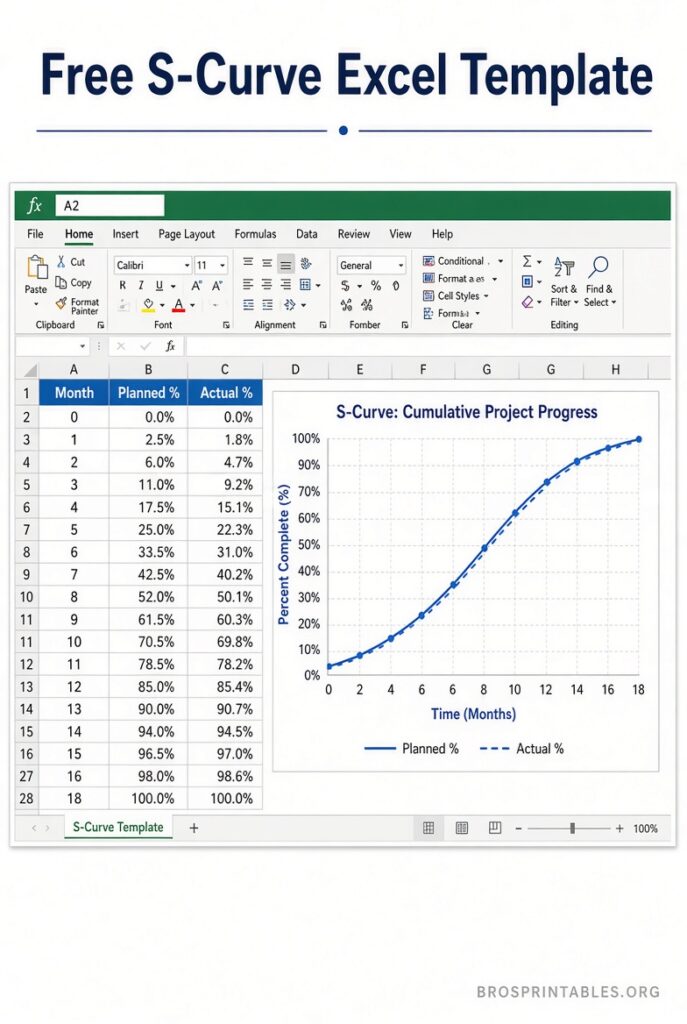
- Input areas for periods, planned percentages or costs, and actuals
- Automatic cumulative totals and variance columns
- Pre-built line or combination charts that update when you change data
- Sometimes EVM forecasts (EAC, ETC, VAC)
Always choose templates from reputable sources and avoid sites that demand payment or excessive personal information for a “free” file.
Where to Get a Free S Curve Excel Template?
Here are trusted places offering genuine free downloads suitable for U.S. users:
Gather Insights – Construction S-Curve Template (PV, AC, EV)
This no-macros Excel workbook includes a how-to guide, blank calculator sheet, and a worked example. It calculates planned value, actual cost, earned value, variances, CPI/SPI, and full forecasts. Download is free with no form or email required.
Get the free construction S-curve template
Vertex42 – SCURVE Template and Function
Vertex42 provides a free Excel template that demonstrates converting task start/end dates and values into daily and cumulative data ready for charting. It also includes a LAMBDA function for advanced users.
Download the Vertex42 S-curve template
ProjectManager – Free S-Curve Template for Excel
ProjectManager offers a customizable free S-curve template designed to compare planned and actual progress over time. It is part of their larger collection of free project-management templates.
Download the free S-curve template
These three sources prioritize usability and transparency. Always open downloaded files in a current version of Microsoft Excel (or compatible software) and enable editing only after confirming the source.
S Curve Excel Template Free Download
How to Use an S Curve Excel Template?
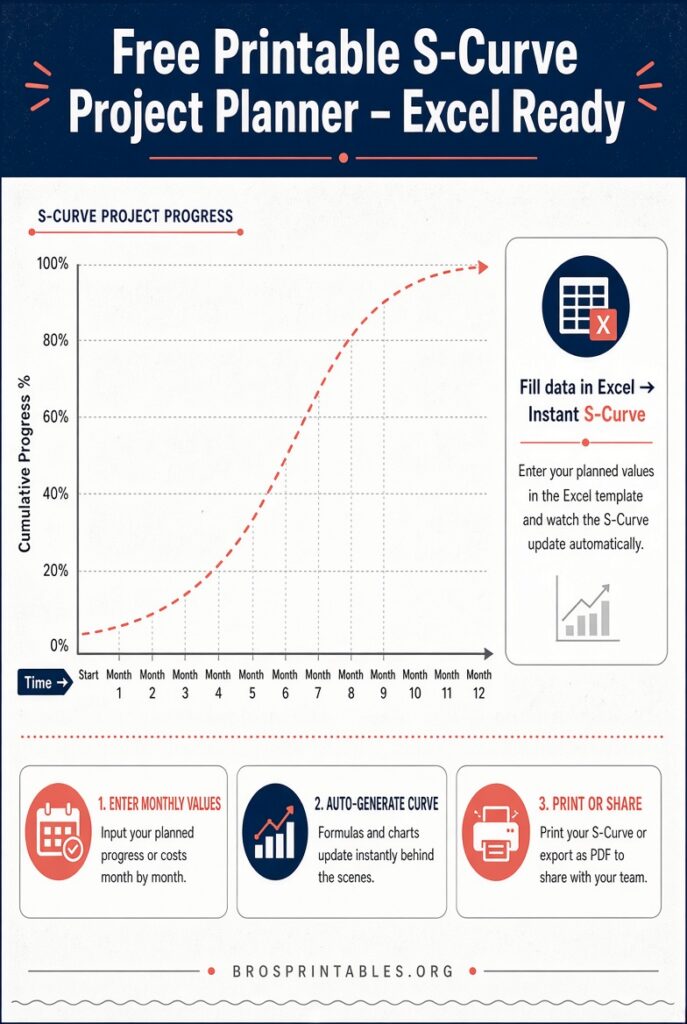
- Enter your project timeline (weeks or months).
- Input the planned cumulative percentage, cost, or hours for each period.
- Add actual values as work progresses.
- Review the automatically generated S-curve chart and any variance or performance-index columns.
- Update the file regularly so the curve stays current for status meetings.
Most templates work with simple data entry; no advanced Excel skills are required for basic use. For construction projects, track labor hours or percent complete by period to generate both the cumulative S-curve and a manpower-loading view.
Tips for Accurate S-Curves
- Keep planned and actual data on the same time scale.
- Update actuals from reliable sources (timesheets, cost reports, site diaries).
- Watch for large gaps between planned and actual curves—they signal schedule or budget issues early.
- Protect formulas so accidental edits do not break calculations.
- Save a baseline copy of the original plan for later comparison.
Brief FAQ
Is a free S curve Excel template enough for professional use?
Yes for many mid-size projects and internal reporting. Larger or highly regulated jobs may eventually move to dedicated project-controls software, but a well-built Excel template remains a practical starting point.
Do these templates work in Google Sheets?
Many formulas transfer, but test charts and any advanced calculations after import. The Gather and Vertex42 files are built primarily for Excel.
Can I customize the template for my company?
Yes. Add your logo, project name, and additional columns as needed. Just keep the core cumulative formulas intact.
Where else can I learn more about S-curves?
Reputable project-management sites and PMI resources explain the underlying concepts of earned value and progress curves in greater depth.
A free S curve Excel template download gives you a fast, low-cost way to visualize project performance. Start with one of the trusted links above, enter your data, and you will have a clear picture of planned versus actual progress within minutes. Update it consistently and the S-curve becomes a reliable early-warning tool for keeping U.S. projects on schedule and on budget.