Free Accident Scene Diagram Templates – Accident scene diagram templates help drivers, insurance adjusters, and others in the United States create clear visual records of vehicle collisions. These diagrams show road layouts, vehicle positions, directions of travel, points of impact, and final resting places from a top-down view.
A well-made diagram supports insurance claims, personal records, and discussions with police or attorneys. It does not replace an official police report, photographs, or professional reconstruction, but it organizes key facts while memories are fresh.
Why Use Free Accident Scene Diagram Templates?
In the U.S., many insurance claim forms and police reports include space for a sketch. Free templates and online tools let you document:
- Road type (intersection, highway, parking lot)
- Vehicle positions before, during, and after impact
- Direction arrows and traffic controls
- Approximate distances or landmarks
Clear diagrams reduce confusion and help adjusters understand the sequence of events.
Where to Get Legitimate Free Accident Scene Diagram Tools?
Several browser-based tools allow you to create and export printable diagrams at no cost and without requiring an account. These process data locally on your device.
One strong option is the free collision diagram builder from Law Badgers. It offers road layouts (intersections, straight roads, parking lots), vehicle placement, direction arrows, impact markers, multi-step sequences (before/impact/after), and export to PNG or print-ready PDF. Everything stays private on your device. Access it here: Law Badgers Accident Replay.
My Traffic Sketch is another free, no-account tool focused on clear traffic sketches. It includes intersection templates, vehicles, traffic signs, measurement labels, skid marks, and export to PNG or a one-page PDF report with case details. Drafts save locally. Start here: My Traffic Sketch.
A third free browser tool is the Accident Sketch and Report Tool. Add roads, vehicles, signs, arrows, and notes, then download a PNG image or PDF report. No registration or software install is needed. Use it at: Software for Enterprise Accident Sketch Tool.
These tools generate printable diagrams you can attach to claims or keep for your records. Always verify any measurements independently and follow your insurer’s or agency’s specific requirements.
Free Accident Scene Diagram Templates
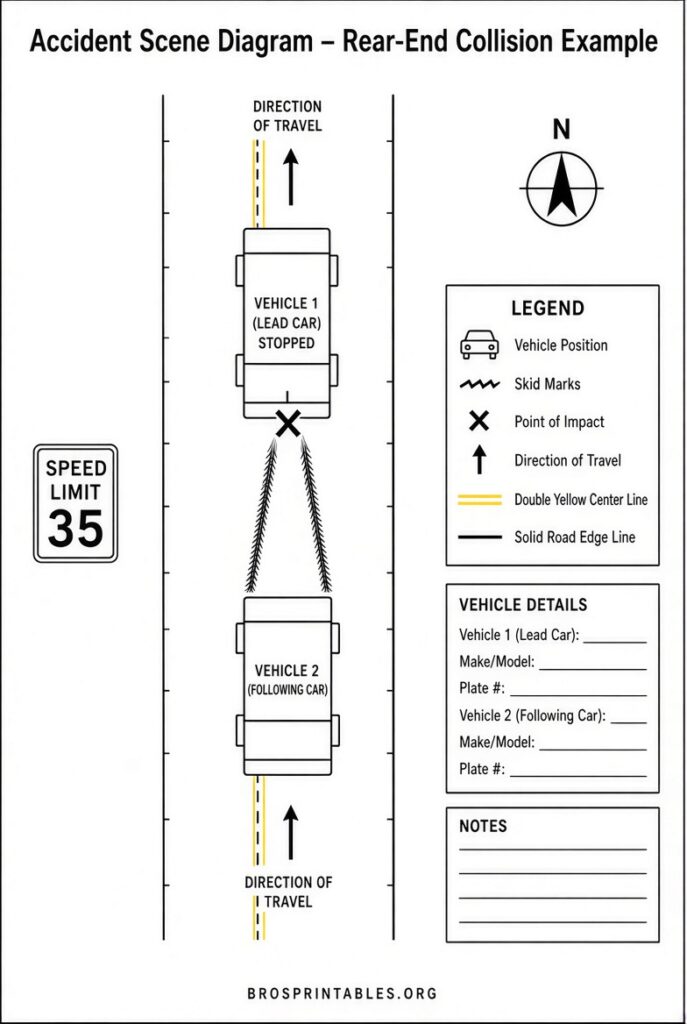
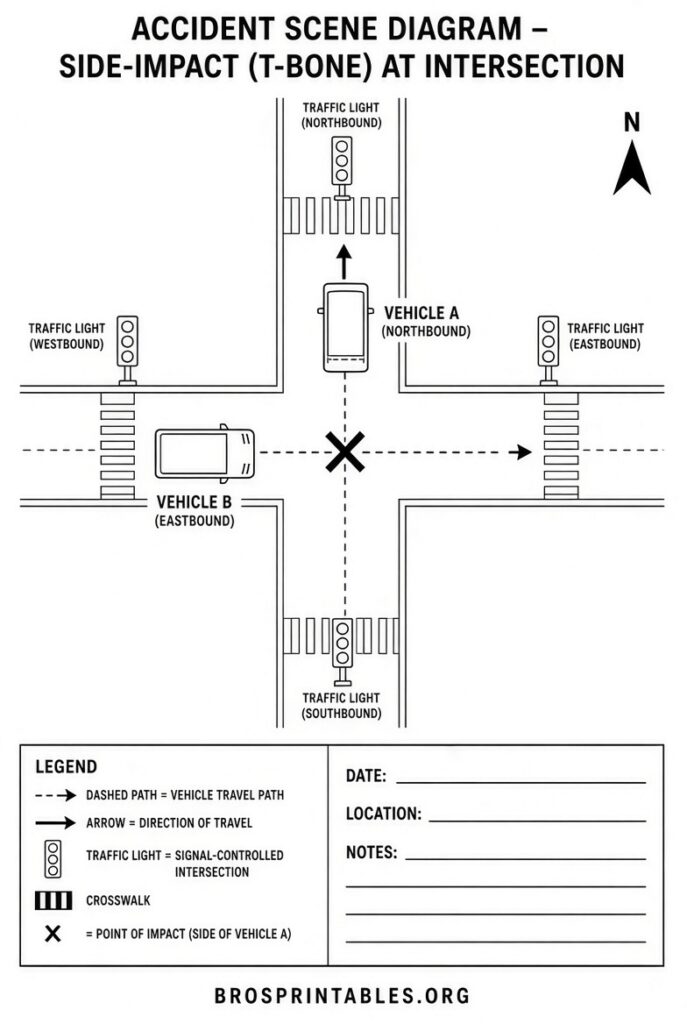
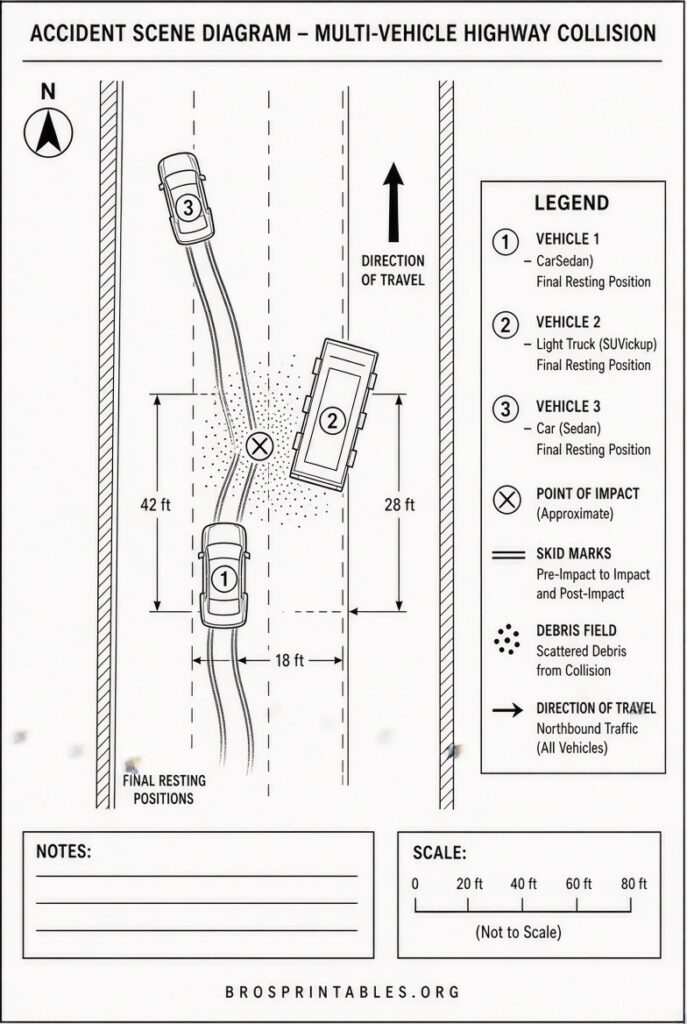
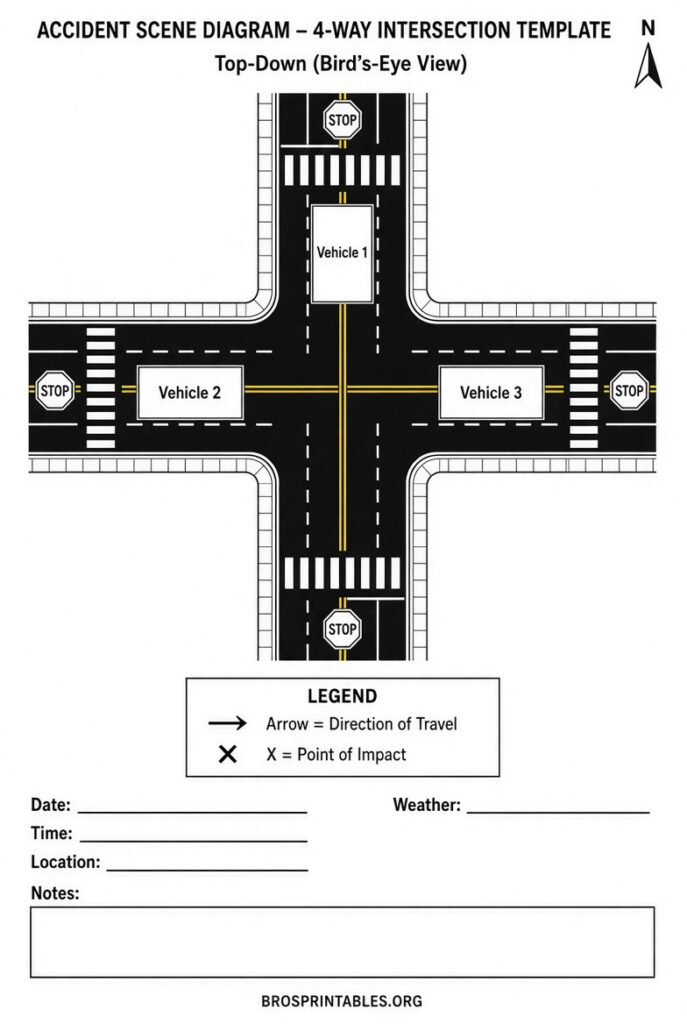
How to Create an Effective Accident Scene Diagram?
- Choose a layout that matches the scene (four-way intersection, T-intersection, straight road, highway, or parking lot).
- Place each vehicle or pedestrian in approximate positions.
- Add arrows showing direction of travel.
- Mark the point of impact and final resting positions.
- Label roads, traffic signals, stop signs, or key landmarks.
- Note the date, time, and location on the printed copy.
- Export as PDF or high-resolution image and keep a copy.
Include only details you remember clearly. Label uncertain items as such. Avoid guessing speeds or exact distances unless measured.
Tips for U.S. Drivers and Claimants
- Create the diagram soon after the crash while details remain clear.
- Pair it with photos of vehicle damage, the scene, skid marks, and license plates.
- Use it to explain the sequence to an adjuster or attorney—it does not determine legal fault by itself.
- For complex multi-vehicle crashes, create separate steps or numbered notes.
- Check state-specific insurance or DMV guidance, as reporting rules vary.
Professional accident reconstruction uses measurements, vehicle data, and expert analysis. Simple diagrams serve as helpful personal or claim-support tools only.
FAQ
Are these tools truly free?
Yes. The three listed above require no signup, no payment, and keep data on your device.
Can I use the diagram for an insurance claim?
Yes, as a supporting illustration of your recollection. It does not replace official reports, photos, or professional analysis.
Do I need special software?
No. All recommended tools run in a standard web browser on computers, tablets, or phones.
Is a free diagram the same as a police diagram?
No. Police reports and professional reconstructions follow different standards and evidence rules.
Free accident scene diagram templates and online builders give U.S. drivers a practical way to document collisions quickly and clearly. Use one of the tools above while details are fresh, export a clean printable version, and keep it with your other records.