Free Digital Interactive Notebook Templates – Digital interactive notebook templates give teachers and students in the United States a paperless way to organize notes, activities, and student work. These templates usually live in Google Slides, PowerPoint, or linked PDFs so learners can type, drag, add images, insert videos, and navigate with tabs or hyperlinks.
They replace traditional cut-and-glue interactive notebooks while keeping the same benefits of organization, creativity, and review. Perfect for elementary through high school classrooms, hybrid learning, or individual student use on Chromebooks, iPads, or computers.
What Are Digital Interactive Notebook Templates?
A digital interactive notebook is a multi-page file that functions like a binder or composition notebook. Students click tabs or buttons to move between sections, type directly into text boxes, move shapes and images, and keep everything in one shareable file.
Teachers often create a master template, make a copy for each student via Google Classroom, and let students fill it over a unit or semester. Common features include:
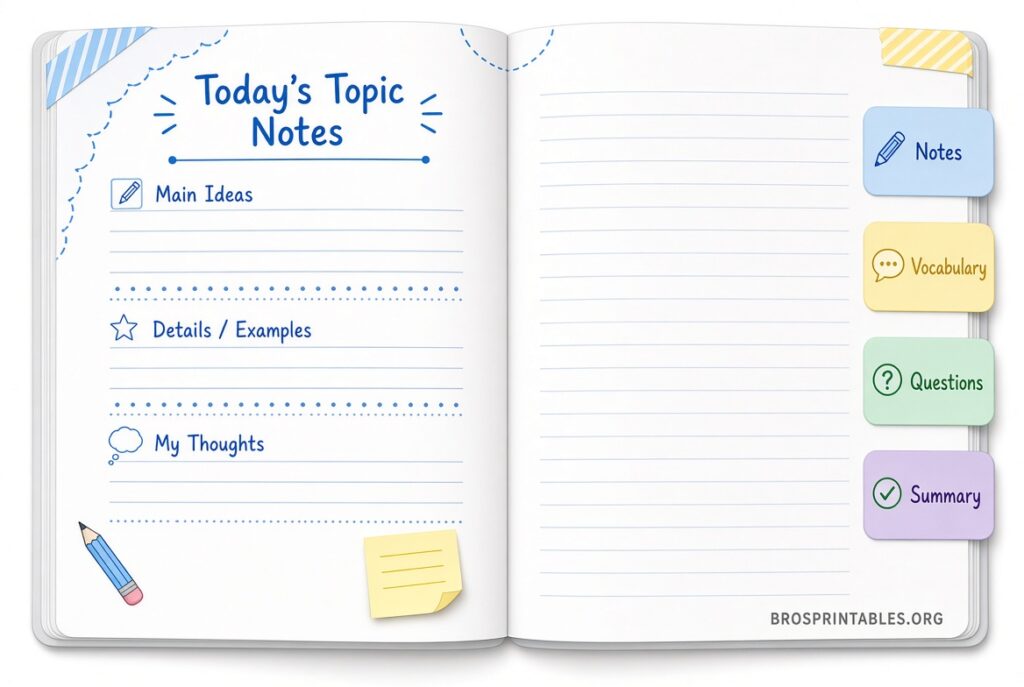
- Cover and table-of-contents pages
- Hyperlinked section tabs
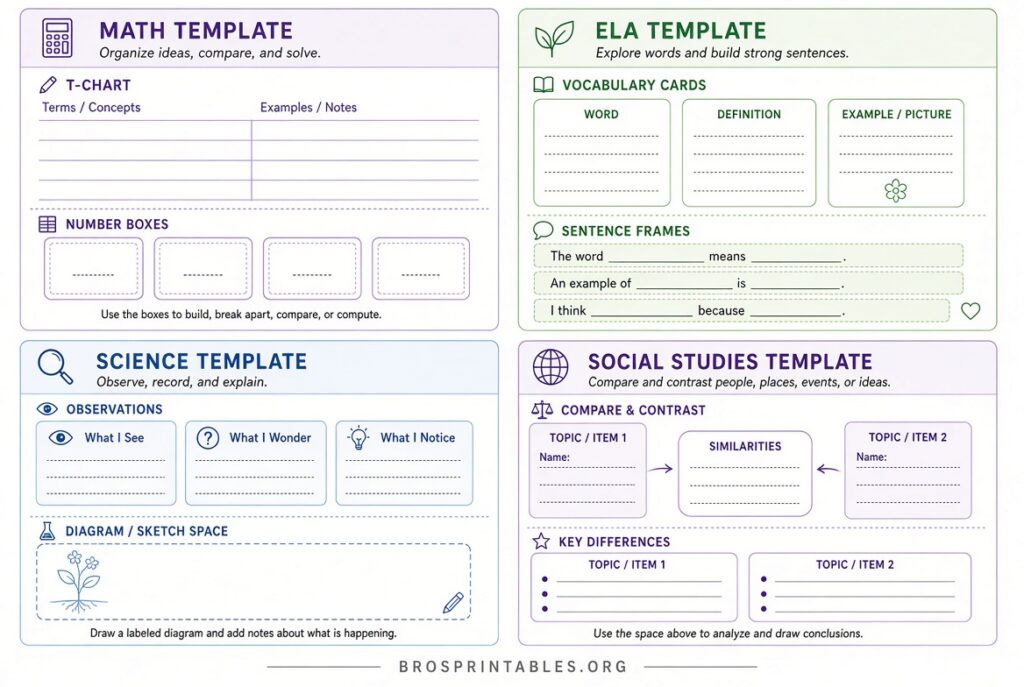
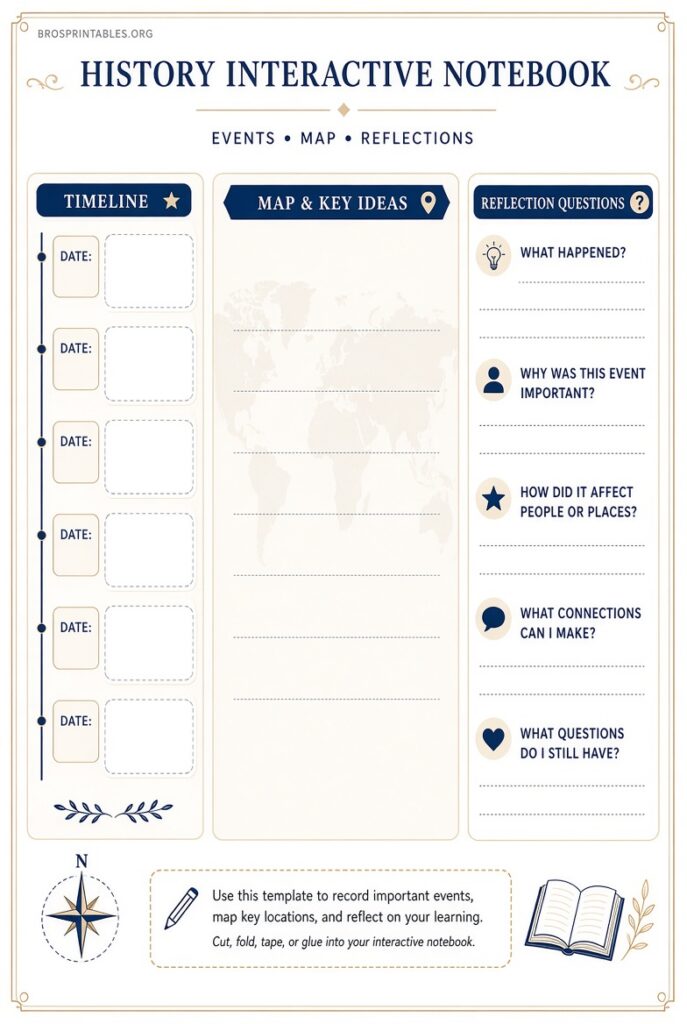
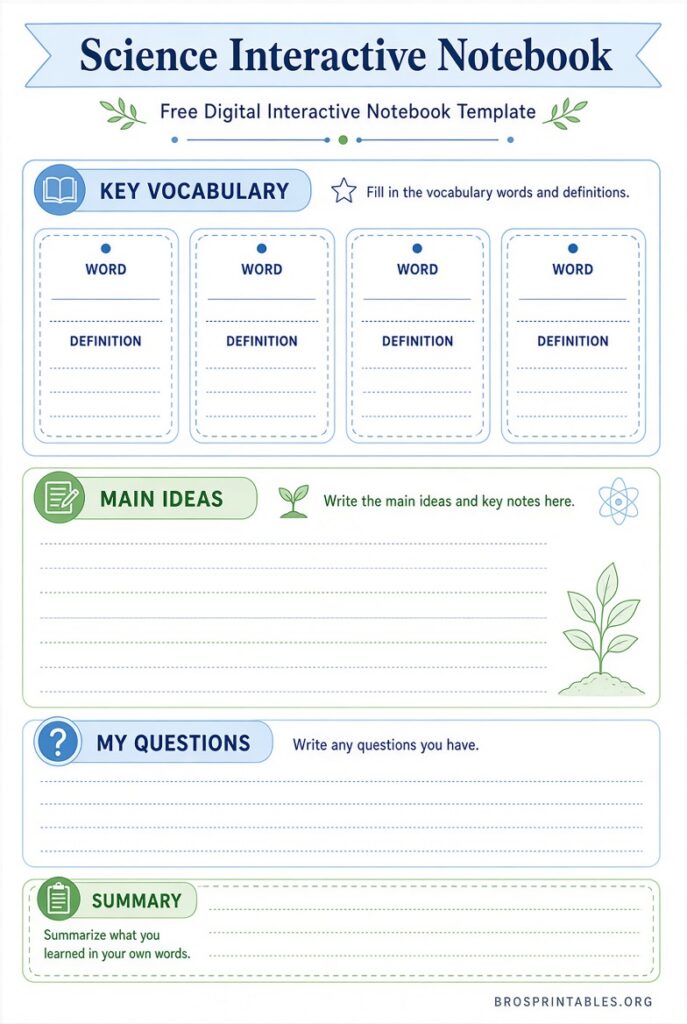
- Pre-made graphic organizers, note pages, and activity templates
- Space for images, drawings, videos, or links
These free digital interactive notebook templates save time on copying and cutting while supporting multimedia learning.
Benefits for U.S. Classrooms
Schools across the country use digital versions because they reduce paper costs, work well with 1:1 device programs, and make student work easy to collect and grade. Students never lose pages, teachers can give quick digital feedback, and the notebooks travel easily between home and school.
They also support differentiation—teachers can add extra scaffolds or challenge pages without reprinting. For subjects like science, math, ELA, or social studies, the same template base can be customized with content-specific pages.
Where to Find Legitimate Free Digital Interactive Notebook Templates?
Here are trusted, currently available free resources. All links open in a new tab and use nofollow for transparency.
Ditch That Textbook Google Slides Template
This popular education site offers a ready-to-copy Google Slides interactive notebook template with 15 pre-built activity page ideas. Teachers can download the master, customize it, and share copies with students. It includes practical examples such as image annotation, draggable manipulatives, lab reports, and comic strips.
Get the free Google Slides interactive notebook template and activity ideas
Slidesgo Free Notebook Templates
Slidesgo provides a large collection of free Google Slides and PowerPoint notebook-style templates. Designs range from clean professional digital notebooks to colorful student-friendly versions with lined pages, tabs, and decorative elements. Free users can download a limited number each month (attribution slide required).
Browse free notebook templates on Slidesgo
World of Printables Free Digital Notebook
This free hyperlinked PDF digital notebook works in GoodNotes, Notability, Xodo, Samsung Notes, and similar apps. It includes 8 tabs, an index, Cornell notes, ruled/dot/graph pages, meeting and lecture notes, planners, mind maps, and review pages. No signup required.
Download the free hyperlinked digital notebook PDF
Teachers Pay Teachers Free Samples
Many educators share free digital interactive notebook templates and samplers on Teachers Pay Teachers. One solid option includes multiple Google-Slides-ready templates that also work in PowerPoint or Keynote for any subject. Account required to download.
Download free digital interactive notebook templates (Google Slides/PowerPoint)
These sources focus on classroom-ready materials rather than general note-taking apps. Always check the license (personal classroom use is typical for free teacher resources).
Free Digital Interactive Notebook Templates
How to Use Free Digital Interactive Notebook Templates?
- Choose a template that matches your platform (Google Slides for most U.S. schools, PDF for tablet note apps).
- Make a master copy and keep it private.
- Customize covers, tab labels, and sample pages for your unit.
- Share via Google Classroom using “Make a copy for each student.”
- Teach students how to add text boxes, images, shapes, and hyperlinks.
- Collect notebooks digitally or have students submit specific pages.
Start simple with a title page, table of contents, and a few blank note pages. Add interactive elements gradually so students focus on content instead of design.
Tips for Success
Keep page sizes consistent (letter size works well if printing is ever needed). Use consistent colors or themes across a notebook so navigation stays clear. Encourage students to personalize covers while keeping content organized. For younger grades, pre-load more structure; for older students, provide blank flexible pages.
Regularly update templates as your curriculum evolves—digital files make that easy.
Frequently Asked Questions
Are these templates truly free?
Yes. The linked resources above offer free downloads or free samples with no payment required for classroom use. Some sites limit monthly free downloads or ask for attribution.
Do I need special software?
Google Slides works in any modern browser with a free Google account. PDF versions need a notes app that supports hyperlinks (GoodNotes, Notability, Xodo, etc.). PowerPoint versions open in Microsoft 365 or compatible software.
Can I use them with Google Classroom?
Absolutely. Most Google Slides templates are designed for easy Classroom assignment and individual student copies.
Are they suitable for elementary students?
Yes. Many templates include simple tabbed layouts and large text boxes that younger learners can manage with guidance.
Free digital interactive notebook templates make it simple to bring interactive learning into modern U.S. classrooms without paper clutter or extra cost. Start with one of the trusted sources above, adapt it to your subject, and watch students build organized, multimedia records of their learning.