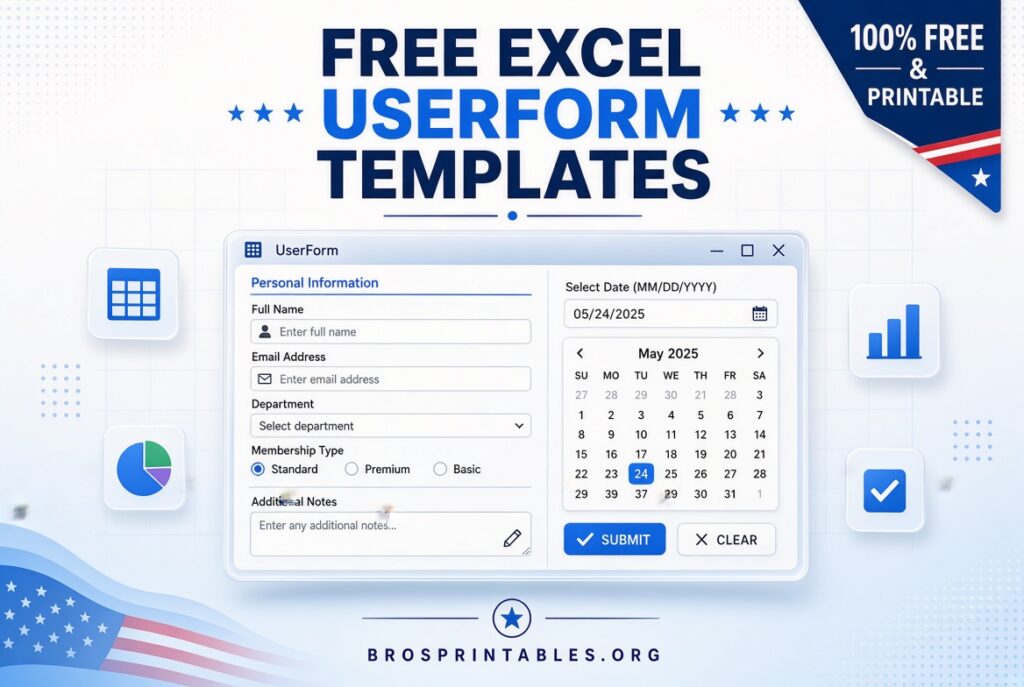
Free Excel Userform Templates – Excel UserForms (also called VBA UserForms) create custom pop-up dialog boxes for clean data entry, validation, and interaction with worksheets. Instead of typing directly into cells, users fill text boxes, drop-downs, checkboxes, and buttons on a professional form that writes data to your tables automatically.
For USA-based Excel users—whether tracking inventory, contacts, employee records, or transactions—ready-made free Excel UserForm templates save hours of coding. This page explains what they are, how they help, and where to download legitimate free sample files and resources from trusted sources.
What Is an Excel UserForm Template?
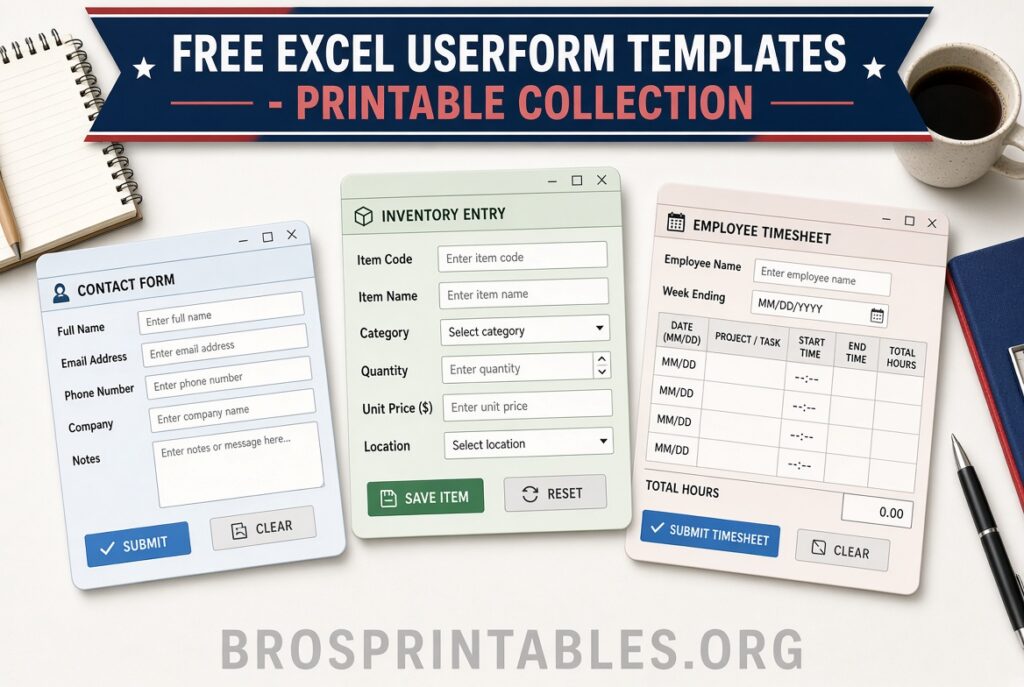
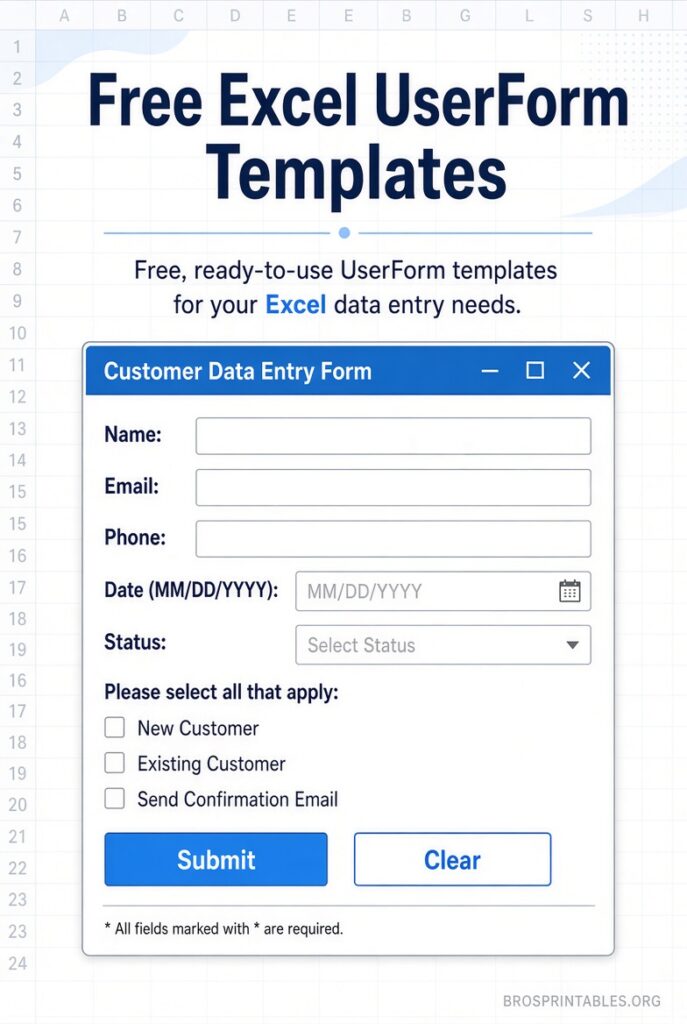
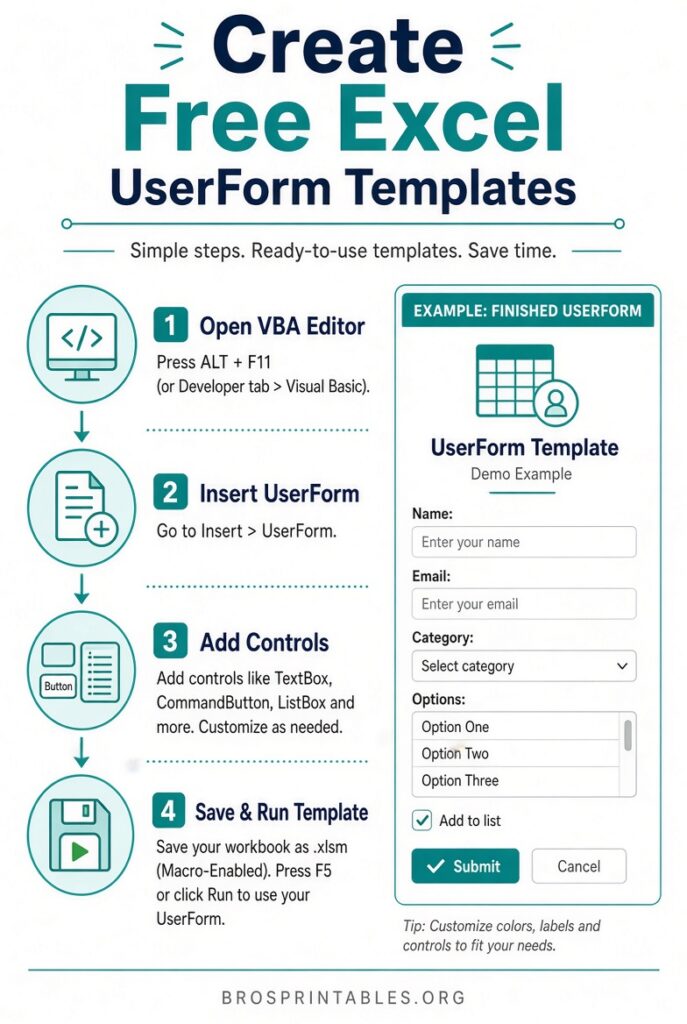
A UserForm is a custom window you design in the Visual Basic Editor (VBE). Controls such as TextBoxes, ComboBoxes, ListBoxes, OptionButtons, and CommandButtons sit on the form. VBA code behind the buttons transfers the entered data to a worksheet (often a hidden one) or performs other actions like searching or editing records.
Templates provide a pre-built form, sample data table, and working code so you can open the file, enable macros, and start using or customizing it immediately. They are especially useful for:
- Consistent data entry with fewer typing errors
- Required-field validation
- Dependent drop-downs (selecting one item filters the next list)
- Adding, editing, or searching records without exposing the raw data sheet
Most free samples are macro-enabled workbooks (.xlsm). Always enable macros only from sources you trust and scan files if your security policy requires it.
Benefits of Using Free Excel UserForm Templates
- Faster setup than building from scratch
- Professional look that improves user experience
- Built-in examples of best practices (naming controls, initializing the form, finding the next empty row)
- Easy to adapt for U.S. business needs such as inventory, customer databases, time tracking, or simple CRM-style lists
- Learning tool—open the VBE, examine the code, and modify it for your own projects
Where to Download Legitimate Free Excel UserForm Templates?
Here are authoritative, currently available free resources (no invented links; all offer genuine free downloads or sample files):
- Contextures – Step-by-step UserForm samples and completed files
Debra Dalgleish’s site is a long-standing, highly trusted Excel resource. The basic data-entry UserForm tutorial includes a complete working sample workbook with text boxes and buttons that write to a parts inventory table. Download the sample file from the page and follow the clear written steps plus videos.
Download the free Basic Excel UserForm sampleContextures also maintains a large collection of free sample workbooks, including additional UserForm examples (multi-page forms, buttons, search/edit forms). Browse the sample files page for more.
Contextures free Excel sample files - Excel Easy – Interactive UserForm example with full code and download
This site offers a clean, well-documented interactive UserForm that loads, edits, and adds records based on an ID. The page walks through every control and code line, and you can download the finished .xlsm file directly.
Download the free Interactive UserForm from Excel Easy - Auto Excel Forms – Free edition of a no-code / low-code UserForm builder add-in
This tool generates professional, resizable data-entry UserForms from your Excel tables with minimal or no coding. A fully functional free edition is available for download (Windows and Mac versions). After a short trial period it continues as a capable free version. Ideal if you want forms without writing extensive VBA.
Download free Auto Excel Forms
These four links stay within the recommended limit while pointing to the most useful, currently maintained free resources. Avoid random “template aggregator” sites that mix free and paid content or require unnecessary sign-ups.
Free Excel Userform Templates
How to Use a Free UserForm Template?
- Download the .xlsm (or .zip containing .xlsm) file.
- Unblock the file if Windows marks it (right-click → Properties → Unblock).
- Open in Excel and click “Enable Content / Enable Macros.”
- Look for a worksheet button or run the form from the VBE (Developer tab → Visual Basic → Forms).
- Test data entry, then open the VBE (Alt + F11) to examine and customize the code, control names, captions, and layout.
- Save a copy under a new name before making major changes.
Tips for Customizing Your Free Excel UserForm
- Give every control a meaningful name (txtPartID, cmdAdd, cboLocation, etc.).
- Use the UserForm_Initialize event to clear fields or load lists when the form opens.
- Find the next empty row with reliable code (Find method or CountA) rather than hard-coded row numbers.
- Add simple validation (check for blank required fields before writing data).
- Set ShowModal = False if you want the form to stay open while the user works on the sheet.
- Protect the data sheet if needed, and unprotect only while writing records.
Brief FAQ
Are these UserForm templates completely free?
Yes. The linked Contextures and Excel Easy samples are free downloads. Auto Excel Forms offers a free functional edition after its short trial.
Do I need advanced VBA knowledge?
No. You can use the completed samples as-is. Opening the code in the VBE is the best way to learn and adapt them.
Will they work on Excel for Mac?
Classic VBA UserForms have limited or no design support on recent Mac Excel versions. The Auto Excel Forms Mac version and some sheet-based alternatives work better on Mac. Windows Excel remains the most reliable environment for full UserForm development.
Is it safe to enable macros?
Only from the trusted sources linked above. Keep your antivirus updated and avoid unknown sites offering “hundreds of free templates.”
Free Excel UserForm templates give you a professional data-entry interface quickly. Start with the Contextures basic sample or the Excel Easy interactive form, enable macros, and customize the layout and code for your own U.S.-focused inventory, contact, or transaction tracking needs. These resources remain the most reliable free starting points available.