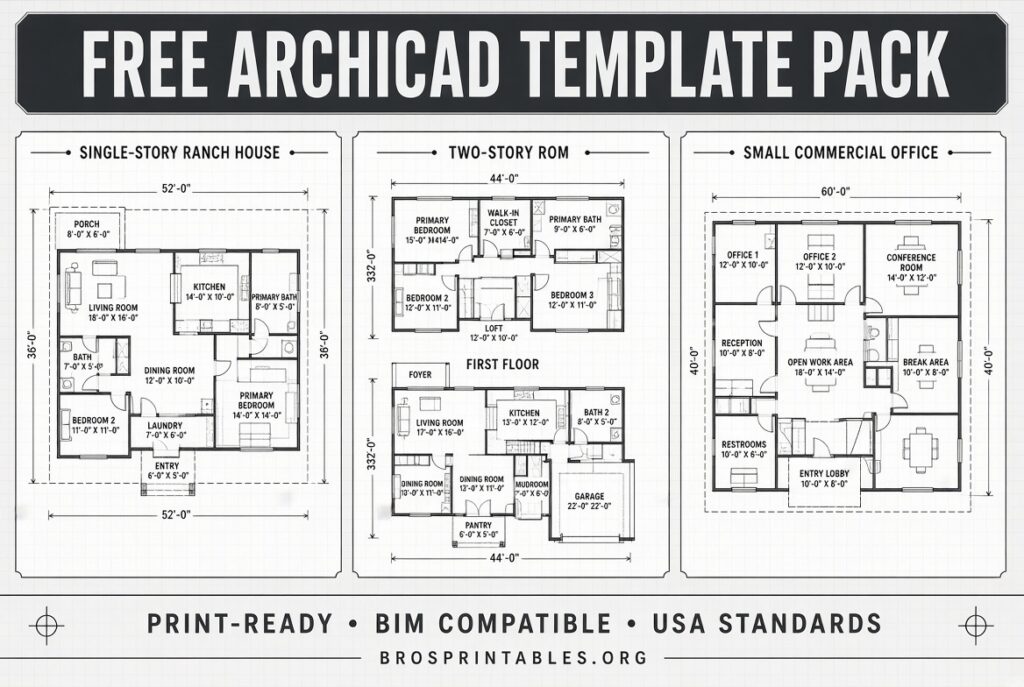
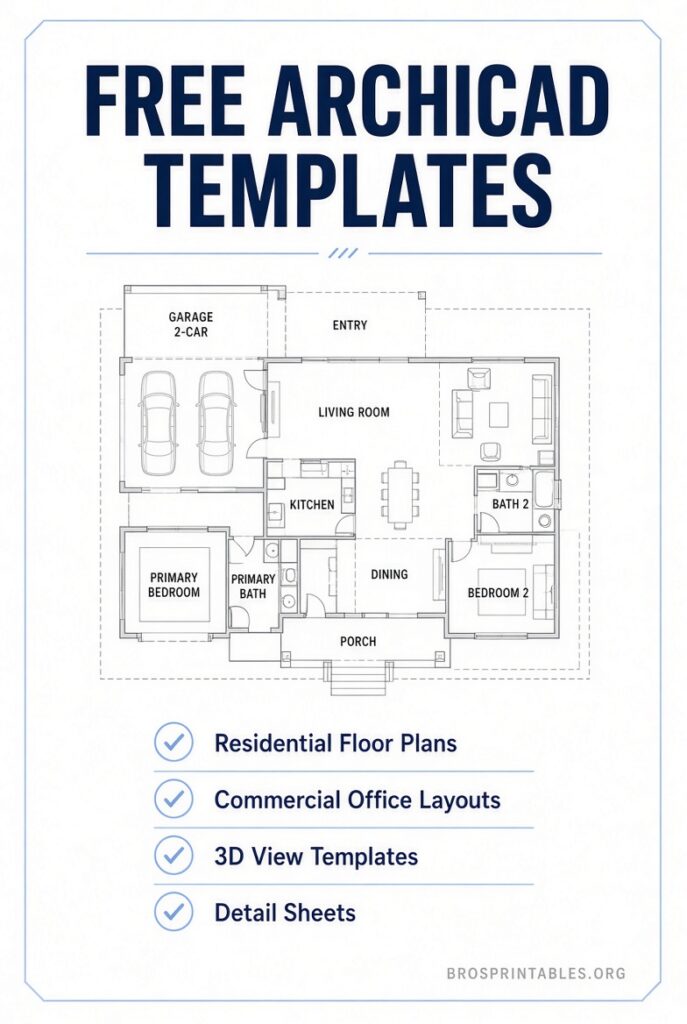
Archicad Template Free – Looking for a reliable Archicad template free of charge? Whether you are starting a new project, standardizing your firm’s workflow, or learning BIM best practices, a solid template saves hours of setup time and keeps drawings consistent.
This guide explains what an Archicad template is, why it matters for USA users, and where to download legitimate free options from trusted sources. All recommendations focus on current, official, or well-maintained community resources.
What Is an Archicad Template?
An Archicad template (.tpl file) is a pre-configured starting file that includes project preferences, default tool settings, layer combinations, pen sets, model view options, favorites, schedules, title blocks, and often sample attributes or objects.
When you create a new project from a template, everything is already organized according to good practices. Graphisoft strongly recommends using templates for consistency across projects and teams.
For USA users, templates often incorporate NCS (National CAD Standard) drawing titles, markers, imperial units, and common local conventions. Starting with Archicad 28 and 29, Graphisoft delivers many localized templates as Online Templates that update automatically when you are connected to the internet.
Why Use a Free Archicad Template?
- Faster project startup with pre-set layers, composites, and favorites.
- Consistent graphics and documentation standards.
- Built-in schedules, view maps, and publisher sets ready for use.
- Learning tool for best practices in modeling and annotation.
- Easy customization to match your office standards.
A good free template gives solo practitioners and small firms the same foundation that larger offices develop over years.
Best Places to Get Free Archicad Templates
Here are the most reliable and current free resources for USA Archicad users.
Shoegnome Open Template (Recommended for USA Workflows)
Jared Banks of Shoegnome Architects has shared and continuously updated a high-quality open template for over a decade. The current version supports Archicad 29 and includes thoughtful USA-oriented settings, favorites, complex profiles, schedules, graphic overrides, and workflow notes.
The template is completely free. Optional support via PayPal is appreciated but not required.
Download it here:
Shoegnome Open Template (latest version)
A companion Work Environment is also available on the same site and pairs well with the template. Older versions for previous Archicad releases are listed in the FAQ section.
Official Graphisoft Sample Projects
Graphisoft provides free sample projects that demonstrate modeling, documentation, and BIM workflows. These are excellent for learning how a complete project is structured and can serve as reference material or starting points for customization.
Browse and download free sample projects (including residential and commercial examples such as Hillside House, Villa Patio, Stacked Tower, and S-Office) here:
Graphisoft Sample Projects
Files are typically provided as .pla archives. Open them with the “Read elements directly from archive” option.
Graphisoft Built-in and Online Templates
Archicad includes a Generic (International) template with every installation. In regions that support them, including the USA, Online Templates appear automatically in the New Project dialog when Archicad is connected to the internet. These are localized and kept current by Graphisoft.
For details on template types and USA-specific notes for Archicad 29 (including temporary options related to NCS library parts), see the official support articles:
What is an Archicad Template
Archicad 29 USA Templates
Archicad Template Free
How to Install and Use a Free Archicad Template?
- Download the .tpl file (or .pla sample) from a trusted source.
- Place the template file in your Archicad Templates folder or a convenient location.
- In Archicad, go to File > New and choose “Create a New Project From Template.” Select the downloaded file.
- Review and customize Project Info, layers, favorites, and title blocks to match your standards.
- Save a copy of the customized file as your office template.
Always match the template version to your Archicad version for best compatibility. Update libraries after installation if prompted.
Tips for USA Users
- Prefer templates that use imperial units and NCS-style markers when possible.
- After loading a community template, verify that Global Libraries (introduced in Archicad 28) are correctly referenced.
- Keep a clean “starter” version of your template and create project-specific copies.
- Combine a good template with a well-organized Work Environment for maximum efficiency.
FAQ
Is the Shoegnome template truly free?
Yes. Support is optional. The download is available without payment.
Can I use these templates commercially?
Yes, for your own projects. Check any included license notes, especially on sample projects from Graphisoft.
What if I need an older Archicad version?
Shoegnome provides links to previous template versions on their site. Graphisoft sample projects are often available for recent versions.
Are there free object libraries as well?
Yes. Sites such as BIMcomponents.com offer many free GDL objects that work with any template. Always load them carefully to avoid conflicts.
A well-chosen free Archicad template is one of the highest-leverage improvements you can make to your workflow. Start with the Shoegnome Open Template for everyday USA practice or explore Graphisoft’s sample projects to see professional standards in action. Customize what you download and make it your own.