Free Mikrotik Template – MikroTik templates are ready-to-use RouterOS configuration scripts (usually .rsc files) or hotspot login page files (HTML/CSS). Network admins and home users apply them to set up routers, switches, access points, firewalls, VLANs, VPN, or guest portals quickly instead of building everything from scratch.
These are digital files you import into WinBox, WebFig, or the terminal—not paper printables. Free templates come from official MikroTik documentation, community generators, and open GitHub collections. Always review and customize them for your hardware, RouterOS version (preferably v7), IP scheme, and security needs before applying.
Why Use Free MikroTik Templates?
They save time on common setups: home routers with DHCP/NAT/firewall, office VLANs, dual-WAN failover, CAPsMAN-managed Wi-Fi, WireGuard/IPsec VPN, or hotspot portals. Official default configurations give a safe starting point. Community templates add real-world best practices for security hardening, bandwidth management, and ISP-style deployments.
For U.S. users this is especially useful with common cable/fiber ISP connections (DHCP or static), guest networks, and remote work VPN needs. Start with a backup of your current config and use Safe Mode when testing.
Where to Get Legitimate Free MikroTik Templates?
Prioritize trusted sources. Limit yourself to official docs and well-maintained free tools.
Official MikroTik Default Configurations and Guides
MikroTik ships devices with default configurations (AP Router, CPE, etc.). Full details, first-time setup steps, and example commands live in the official RouterOS manual. Use these as the foundation for any custom template.
→ Official first-time configuration and defaults: manual.mikrotik.com first-time configuration
Also check the default configurations page on the documentation site for board-specific presets.
Free Browser-Based RouterOS Configuration Generator
A practical free tool generates complete .rsc scripts tailored to your device model and role (home router, office with VLANs, switch, AP, CAPsMAN, VPN gateway, hotspot, core router, etc.). It runs entirely in your browser—no account, no data leaves your machine—and supports advanced options plus import of an existing /export.
→ Free MikroTik configurator: extremehosting.nl/configurator/mikrotik
Open GitHub Collections of .rsc Templates
Several public repositories offer free, documented configuration scripts for basic SOHO setups, firewall rules, dual-WAN, VLANs, and more. Download the .rsc files, edit the placeholders (IPs, interfaces, passwords), then import.
Popular free options include:
- github.com/alani4837/mikrotik-templates (basic, security, and monitoring scripts)
- github.com/maxslug/mikrotik_maxslug (more advanced home network with VLANs and managed APs)
Always inspect the scripts and adjust for your environment. Prefer repositories with recent activity and clear README instructions.
Official Software and WinBox Downloads
You need WinBox (or the web interface) to apply templates. Download the latest free tools and RouterOS packages directly from MikroTik.
→ Official downloads: mikrotik.com/download
Free Mikrotik Template
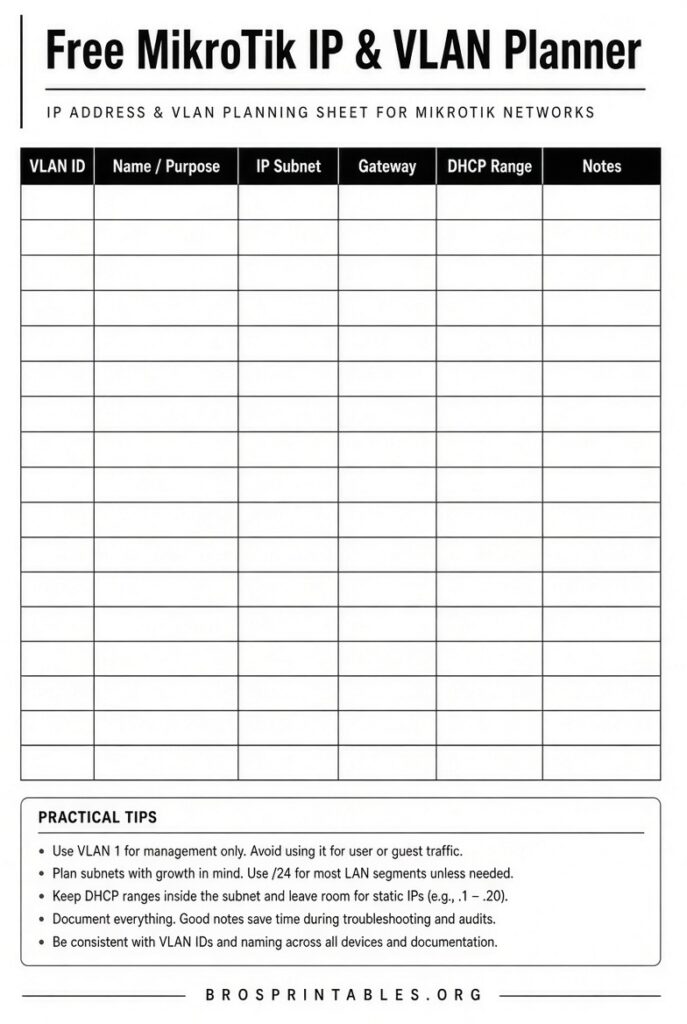
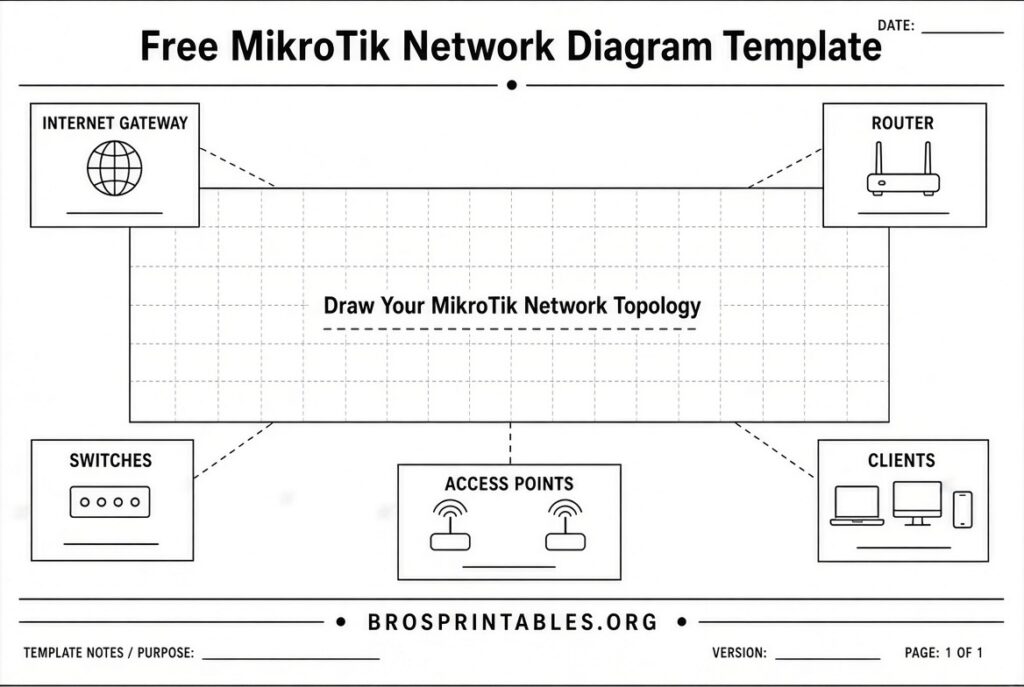
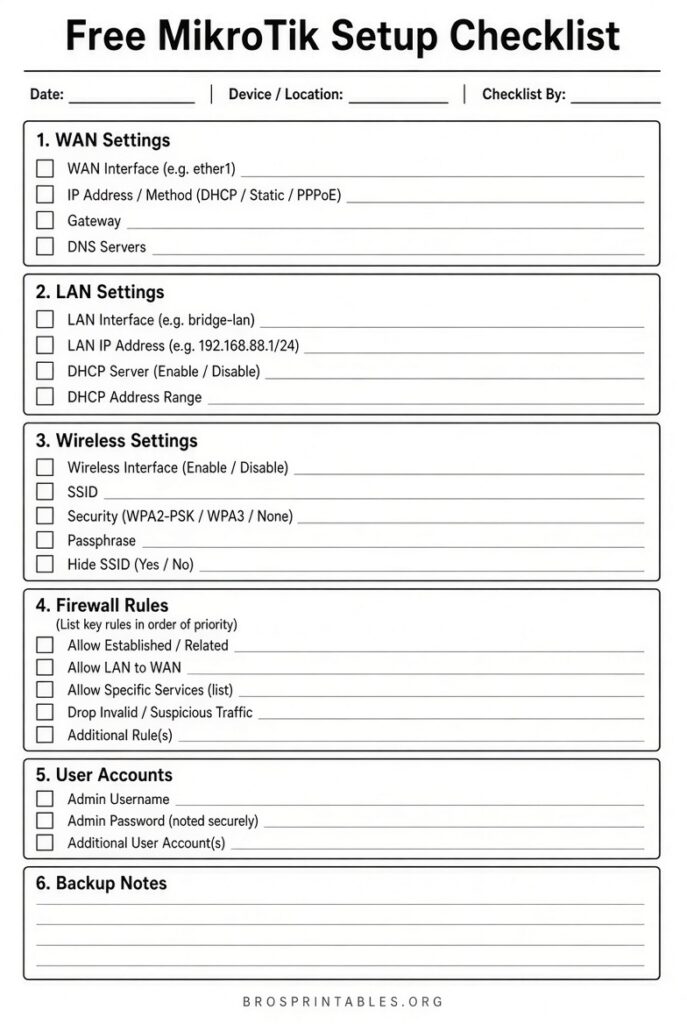
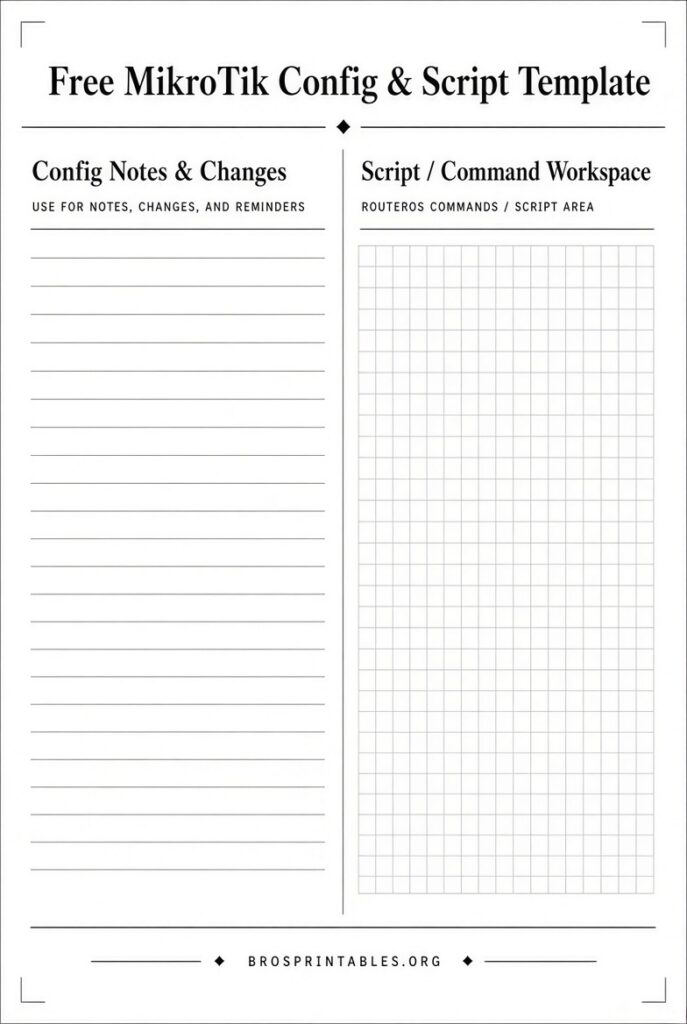
How to Apply a Free MikroTik Template Safely?
- Backup your current configuration:
/export file=backupor use WinBox Files → Backup. - Upload the .rsc file via WinBox → Files.
- Open Terminal and run
/import file-name=your-template.rsc(or use Safe Mode). - Customize IPs, interface names, SSIDs, passwords, and firewall rules.
- Test connectivity and verify services before disconnecting physical access.
- For hotspot HTML templates, upload the files to the hotspot directory and set them under IP → Hotspot → Server Profiles.
Never apply an unreviewed script on a production router facing the internet.
Tips for U.S. Users and Best Practices
- Match the template to your RouterOS version (v7 preferred for modern syntax).
- Change the default admin password and disable unnecessary services immediately.
- Use address lists and proper firewall filter rules; many free templates include solid starting firewalls.
- For dual-ISP or failover setups common with cable + 5G backup, look for dual-WAN examples.
- Hotspot templates are popular for guest Wi-Fi in homes, small businesses, or short-term rentals—customize branding and terms of use.
- Keep firmware updated via the official channel.
FAQ
Are these templates really free?
Yes—the official documentation, the browser configurator, and the linked public GitHub repos provide free downloads with no registration required for basic use.
Will a template work on any MikroTik device?
Most .rsc scripts work across RouterOS devices but need interface name and hardware adjustments (e.g., wifi vs. wireless packages, port counts). The free configurator lets you pick your exact model.
Is it safe to use third-party templates?
Only if you understand every line or test in a lab. Prefer official defaults plus the verified free generator. Always keep physical access and a backup.
Where can I learn more after applying a template?
The official MikroTik manual and the community forum remain the best ongoing resources for troubleshooting and advanced features.
Start with the official first-time configuration guide or the free browser generator for the fastest legitimate path to a working free MikroTik template. Customize carefully and keep your network secure.