Free Rhinestone Template Software – Looking for free rhinestone template software or ready-to-use printables? This guide explains what the tools do, how they work with popular cutters like Cricut and Silhouette, and where USA-based crafters can get legitimate free options without paying for premium design software right away.
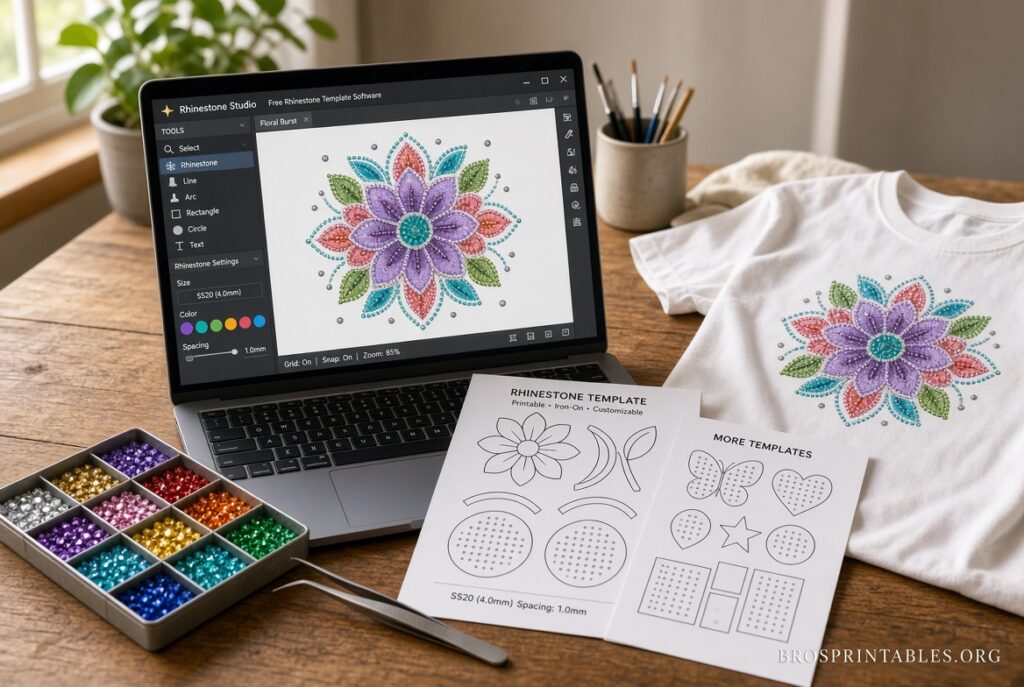
Rhinestone templates are patterns of spaced holes that help you place stones accurately for heat-transfer designs, apparel, dance costumes, or crafts. Free tools and printables let beginners test ideas, create simple names or logos, and produce reusable stencils on flock or cardstock.
What Free Rhinestone Template Software Actually Does?
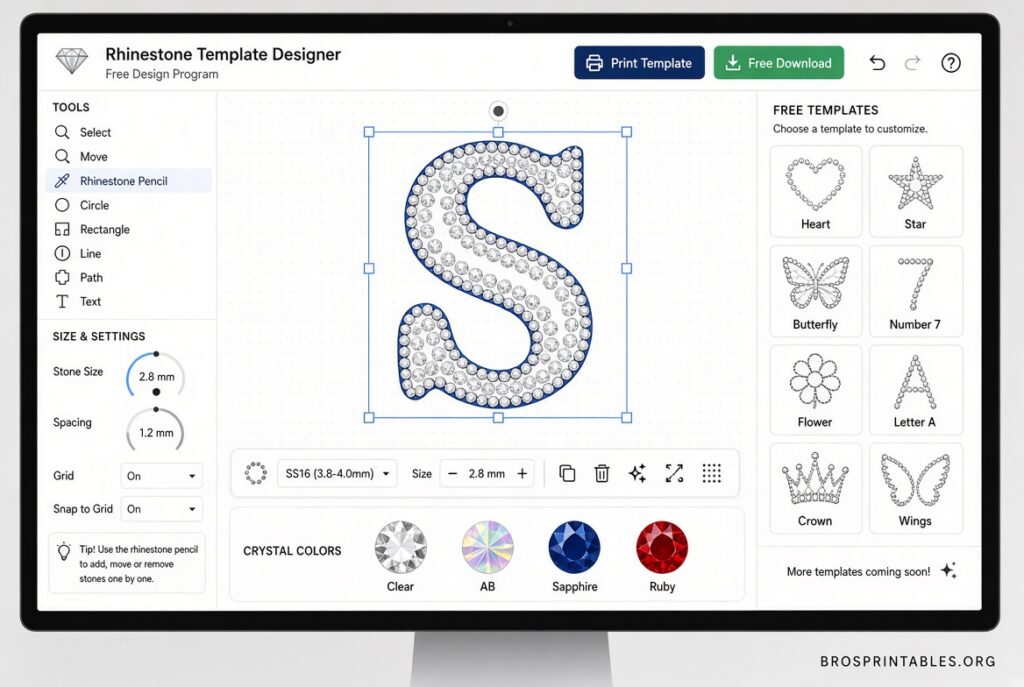
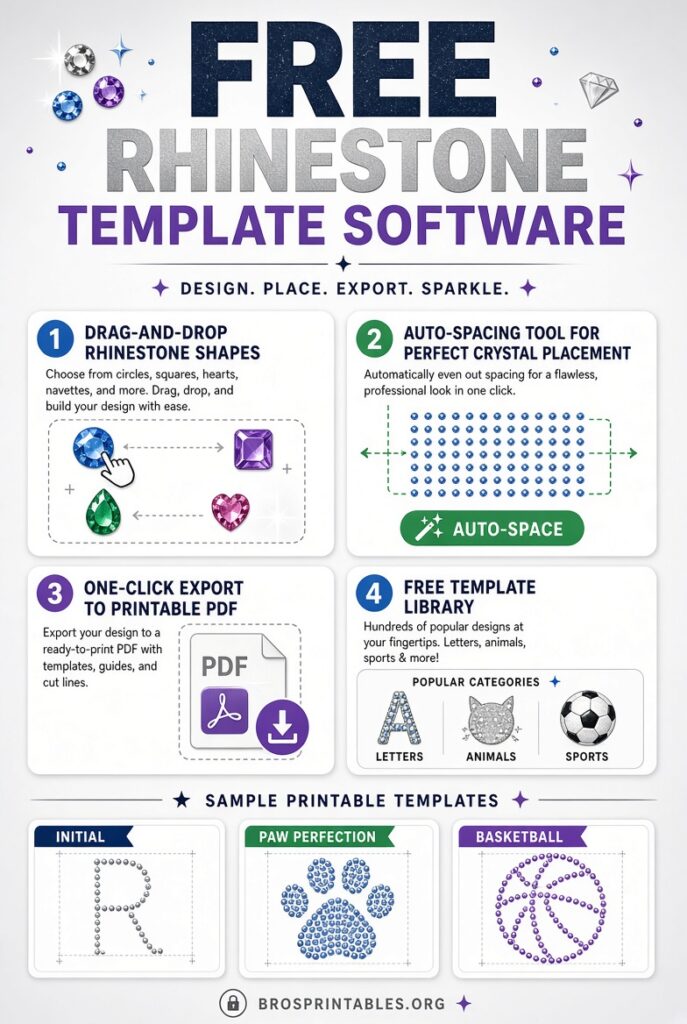
Most free options fall into two groups. Browser or desktop vector tools convert text, simple shapes, or high-contrast images into grids of circles sized for common stone sizes (such as SS10 or SS16). Printable placement charts show exact positions so you can punch holes by hand or cut them on a machine.
These tools export SVG, PDF, or similar files that import into Cricut Design Space or Silhouette Studio. They work best with bold, high-contrast artwork. Fine details often disappear once stones are placed, so start simple.
Best Free Ways to Create or Get Rhinestone Templates
Inkscape (fully free vector software)
Inkscape is open-source software available for Windows, macOS, and Linux. Many crafters use it to draw shapes, type text, import PNGs, and manually or semi-automatically create rhinestone patterns by placing circles or using community techniques. Export the finished design as SVG for your cutter.
Download it directly from the official site: inkscape.org.
Ready-to-print free templates from Rhinestones Etc
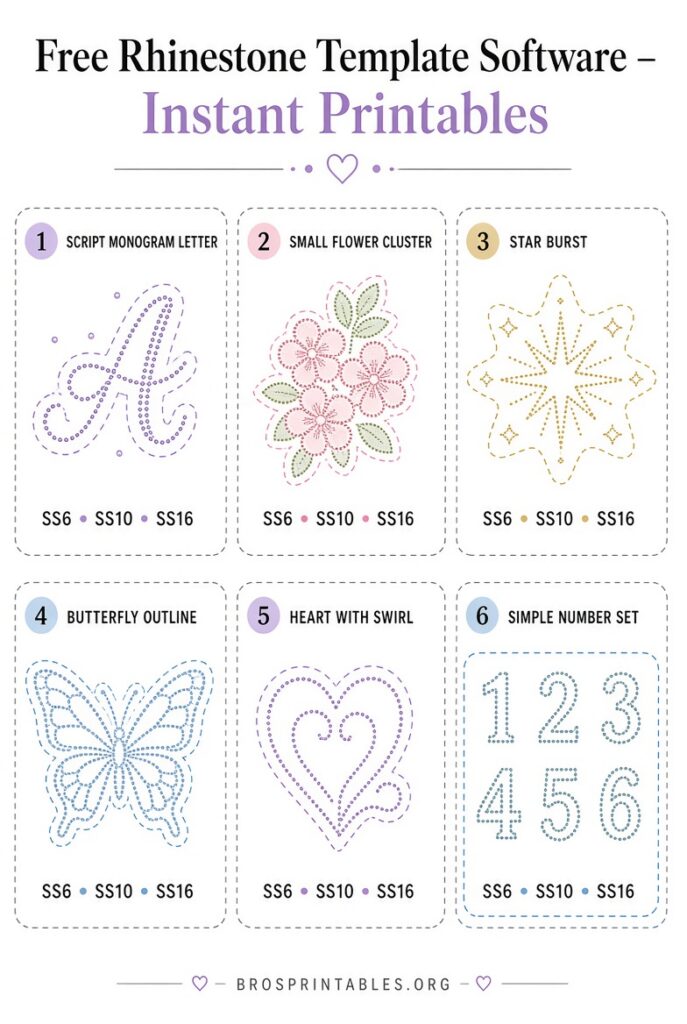
This USA supplier offers free printable crystal placement charts for simple designs (animals, words, holidays, hearts, and more). Print on cardstock, punch the holes, and use the template for hotfix or flatback stones of almost any size. The finished design size changes with the stone diameter you choose.
Browse and download the free templates here: rhinestonesetc.com/free-rhinestone-templates.html.
Free design downloads from The Rhinestone World
The Rhinestone World provides a selection of free rhinestone and vinyl design files (SVG and other formats) that work with Cricut, Silhouette, and similar cutters. These can be cut into flock material to create reusable templates.
See the free designs collection: therhinestoneworld.com/free-designs.
Free Rhinestone Template Software
How to Turn a Free Template into a Finished Project?
- Choose or create a simple design (name, logo outline, or bold shape).
- Match the hole size to your stones—measure a few stones first because nominal SS sizes vary by brand.
- Cut the template from flock, stencil material, or sturdy cardstock on your machine, or punch holes by hand.
- Brush or place the rhinestones into the holes.
- Transfer with heat (for hotfix) or adhesive (for flatbacks). Always test temperature and pressure on scrap fabric.
Print any PDF at 100% / actual size—never “fit to page”—and verify measurements with a ruler or calibration strip when available.
Tips for USA Crafters Using Free Tools
- Stick to high-contrast black-and-white or single-color artwork for the cleanest results.
- Test a small section of any new template before cutting a full design.
- Combine free software with free printables: design custom text in Inkscape, then use a printed placement chart for practice.
- Free tools have limits (no advanced photo-to-pattern conversion or full DXF support in many cases). They are excellent for learning and hobby projects; serious production often moves to paid software later.
- Always confirm you have rights to any artwork or fonts you convert.
Brief FAQ
Is there completely free rhinestone template software that exports cut-ready files?
Yes. Inkscape is fully free and open-source. Pair it with free printable charts for the fastest start.
Can I use free templates with a Cricut?
Yes. SVG files from free sources import into Cricut Design Space. Adjust size and cut settings for flock or stencil material.
Do free templates work with both hotfix and flatback stones?
Most placement charts and cut templates work with either type. Hole size and spacing stay the same; only the application method changes.
Where should I start if I have never made a rhinestone design?
Download a simple free printable from Rhinestones Etc, print it on cardstock, punch the holes, and practice placing stones. Once comfortable, move to Inkscape for custom designs.
Free rhinestone template software and printables remove the biggest barrier for beginners. Start with Inkscape plus the ready-made charts listed above, test small, and you can create sparkling designs without an expensive software investment. Always measure your stones, print at actual size, and verify cutter settings for the best results.