Printable Channel Guide For Spectrum TV – A printable channel guide for Spectrum TV helps you quickly find channel numbers without scrolling the on-screen guide. Spectrum (Charter Communications) no longer mails paper lineups because channel packages change often and the company prioritizes digital options. The most accurate free printable comes directly from your Spectrum account and matches your exact package and local market.
Why a Printable Spectrum Channel Guide Helps?
Channel numbers and available networks vary by ZIP code, package (such as Stream TV Signature, Pro, VIP, or Latino options), and any add-ons. A printed list is useful for:
- Quick reference next to the remote
- Helping kids or guests find channels
- Marking favorites or parental-control notes
- Situations with no internet or when the on-screen guide is slow
The official version updates with your current subscription, so it stays more reliable than generic lists.
How to Get the Official Free Printable Channel Guide?
Spectrum provides a free “Print Lineup” option inside your online account. You must sign in because the list is personalized to your service address and package.
Follow these steps:
- Go to Spectrum.net and sign in with your account credentials.
- Navigate to the Services tab, then select the TV tab (or look for Manage TV/Streaming).
- Choose “View Channel Lineup.”
- On the channel lineup page, select the “Print Lineup” option (usually on the right side).
You can also go directly to the channel lineup page after signing in:
https://www.spectrum.net/channel-lineup
Full official instructions appear on Spectrum’s support page:
https://www.spectrum.net/support/tv/channel-lineup-and-spectrum-tv-packages
The printed or PDF version lists the channels included in your plan with numbers for your area. Print it at home or save it as a PDF for your phone or tablet.
Viewing General Spectrum Channel Lineups
If you want to compare packages before signing in or while shopping, Spectrum publishes overview lineups by plan. These show which networks typically come with each tier but do not replace your personal printable list.
Check the current plan comparison here:
https://www.spectrum.com/cable-tv/channel-lineup
An independent overview of channels by package is also available at:
https://www.cabletv.com/spectrum/channel-lineup
Remember that local channels, regional sports networks, and exact channel numbers depend on your address. Always use the account-based Print Lineup for accuracy.
Printable Channel Guide For Spectrum TV
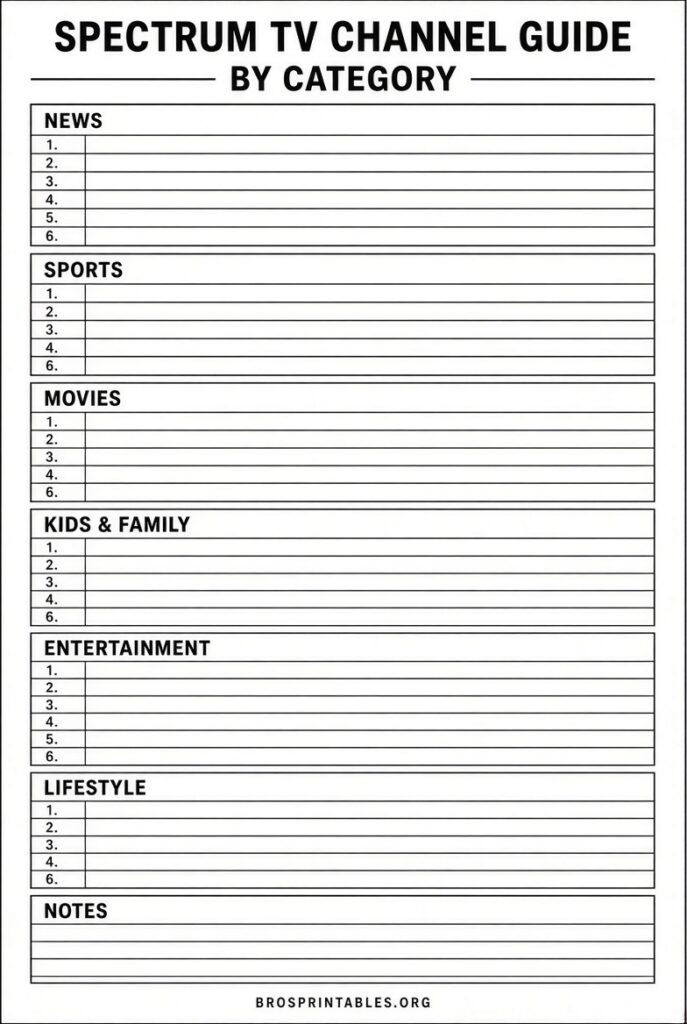
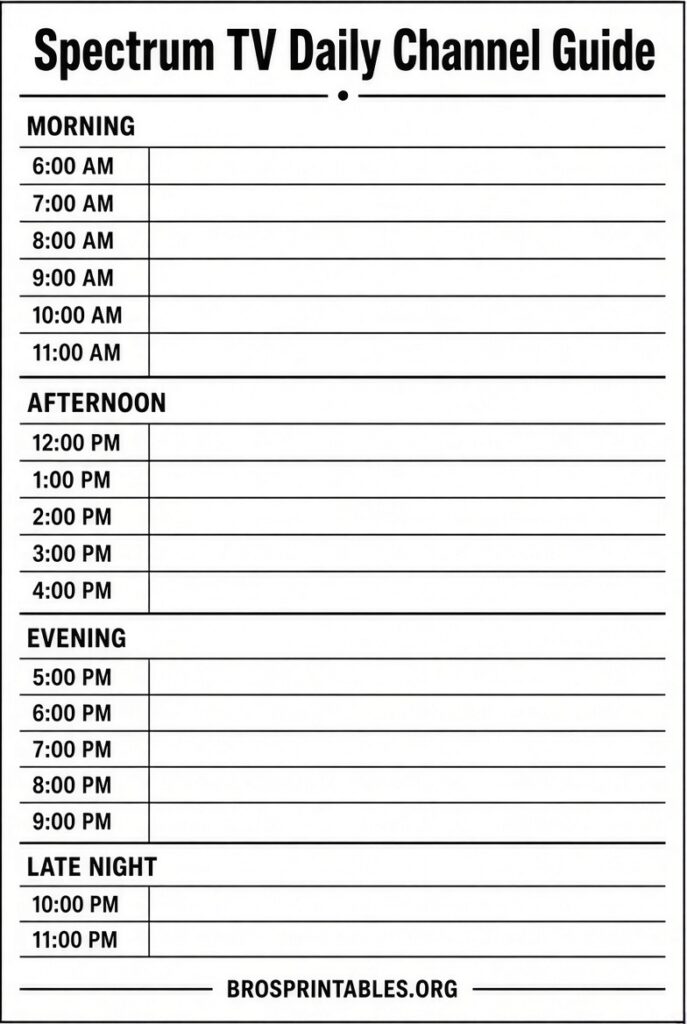
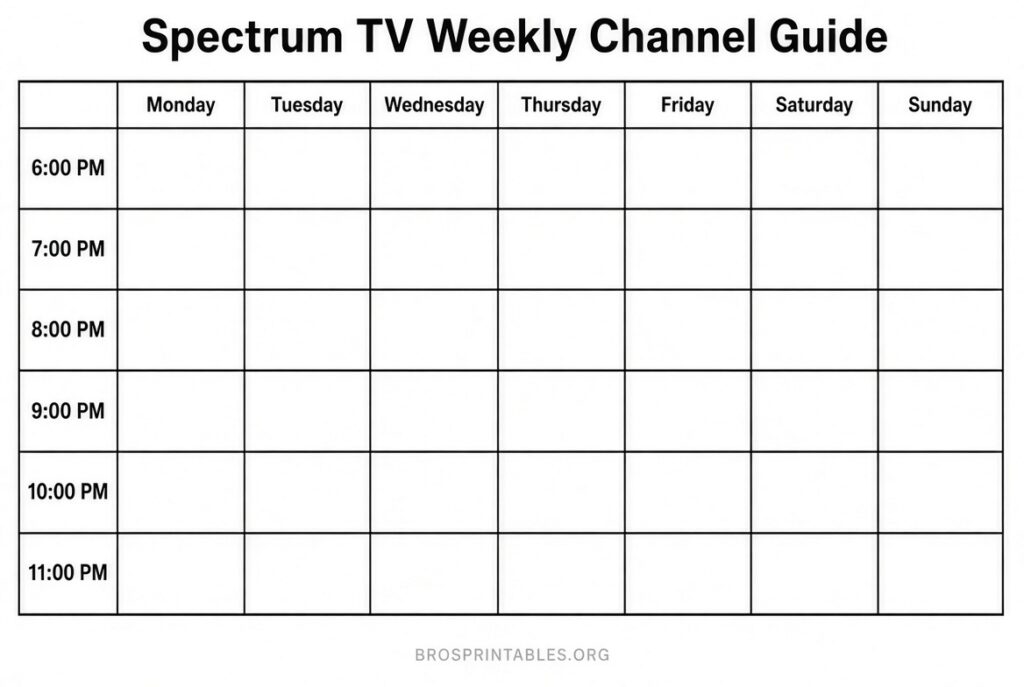
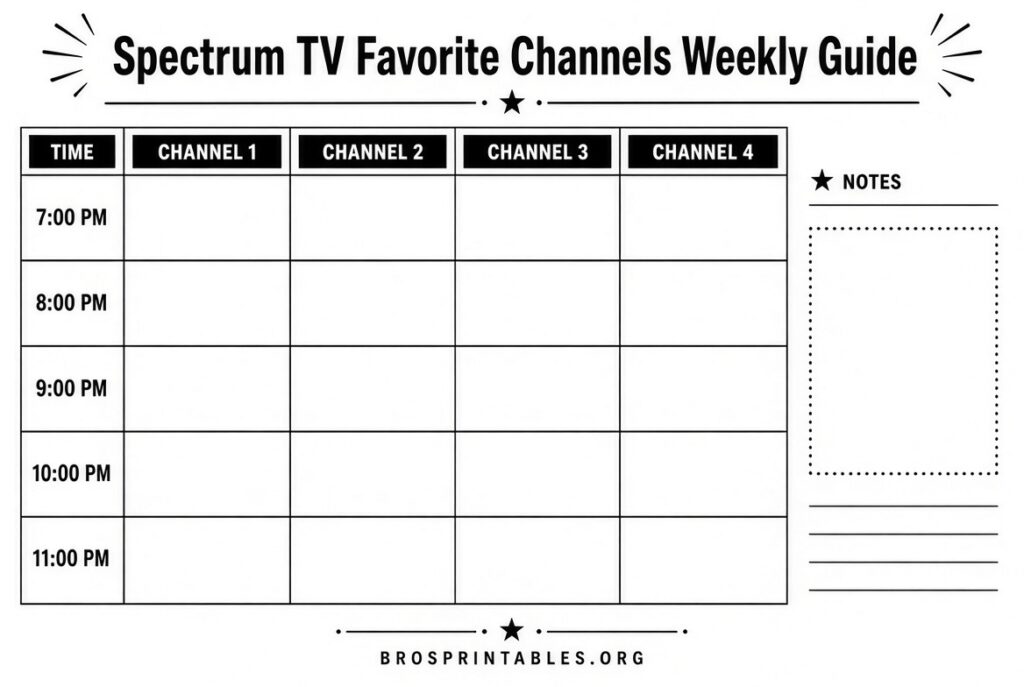
Practical Tips for Your Printed Guide
- Print on regular letter-size paper and keep a copy near each TV.
- Highlight favorite channels or write notes in the margins.
- Re-print after any package change, equipment refresh, or when Spectrum updates the lineup.
- Use the on-screen Spectrum Guide (press Guide on your remote) for live program times and details—the printed list works best for channel numbers.
- If you have Spectrum TV Choice, you can edit your 15 selectable channels (plus locals) periodically; re-print after changes.
Spectrum Support notes that printed copies are no longer distributed by mail for environmental reasons and because lineups shift. Logging into your account is the recommended free method.
Frequently Asked Questions
Does Spectrum still mail free paper channel guides?
No. Official statements confirm Spectrum stopped providing printed lineups by mail. You create your own free printable from the account channel lineup page.
Is the printable guide completely free?
Yes. The Print Lineup feature inside a Spectrum account requires no extra payment.
Why do channel numbers differ from friends or online lists?
Lineups are location- and package-specific. Only the version generated from your signed-in account reflects your exact service.
What if I cannot find the Print Lineup button?
Confirm you are signed in, try a different browser, clear cache, or visit a Spectrum store—staff can sometimes print a copy for you. Contact Spectrum Support through your account if the option is missing.
Can I download a PDF instead of printing?
Yes. Most browsers let you choose “Save as PDF” from the print dialog on the channel lineup page.
For the most current and accurate printable channel guide for Spectrum TV, start at your Spectrum.net account and use the official Print Lineup tool. This keeps your list matched to the channels you actually receive.