Free Printable Dvd Case Covers – Looking for free printable DVD case covers? Whether you’re organizing home videos, replacing worn inserts, creating custom gifts, or packaging personal projects, blank templates and ready-to-print designs make it simple. Standard DVD cases use a single insert that wraps around the front, spine, and back. These free resources help you design and print professional-looking covers at home on letter-size paper.
This guide explains the basics, standard sizes used in the USA, practical printing tips, and legitimate places to download free printable templates or generate custom covers.
What Are DVD Case Covers?
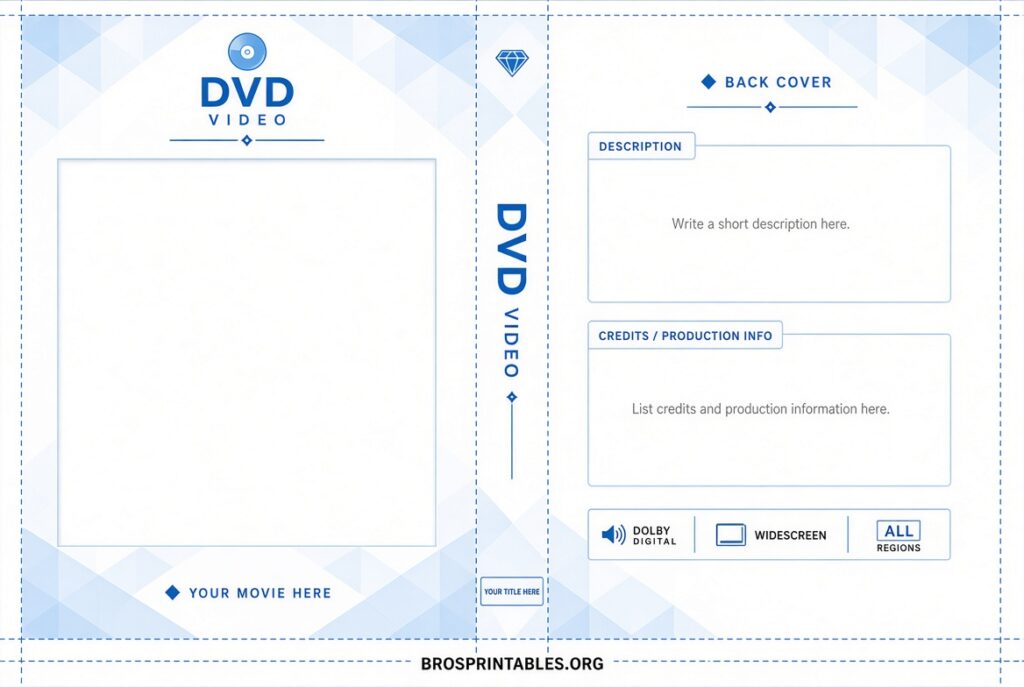
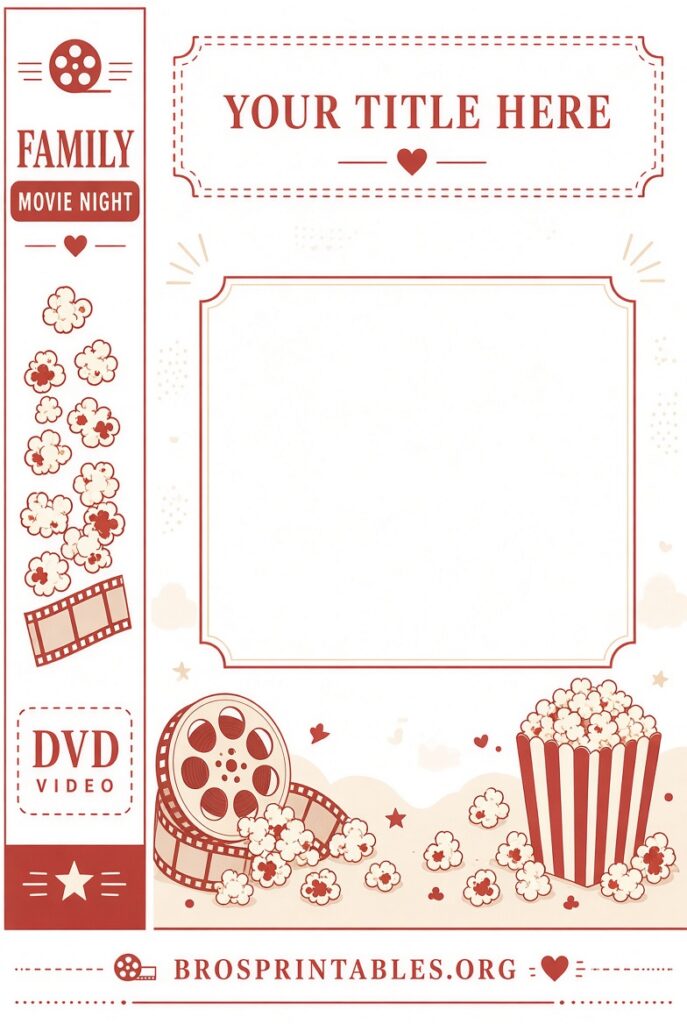
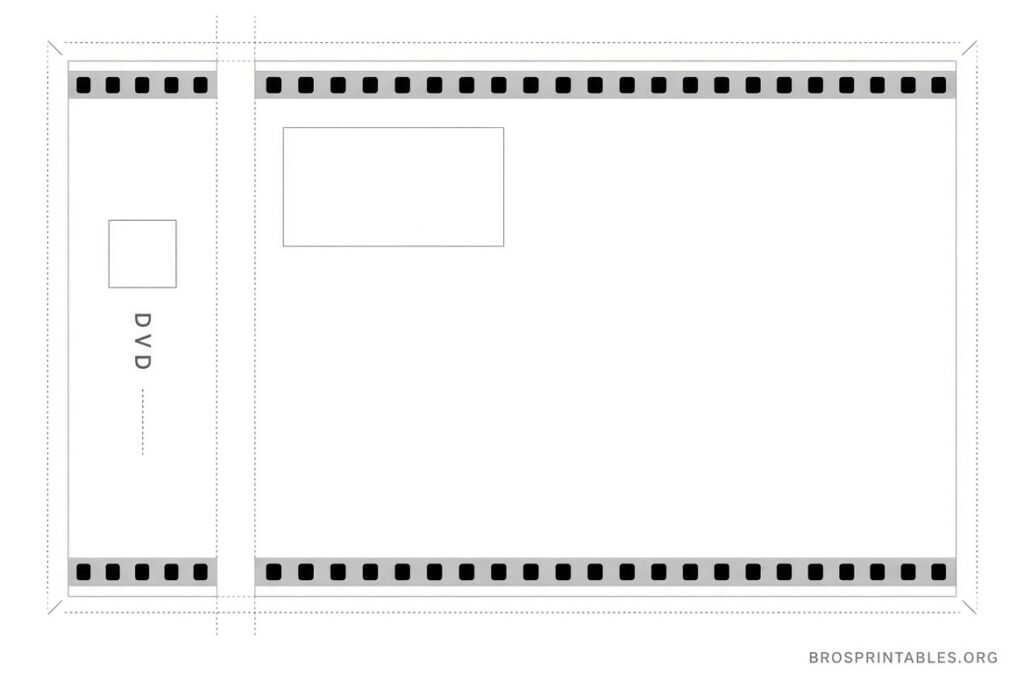
A DVD case cover (also called a DVD case insert or wrap) is the printed paper or cardstock sheet that slides into the clear plastic sleeve of a standard DVD keep case. It includes:
- Front panel for artwork and title
- Spine for the title (visible on a shelf)
- Back panel for descriptions, credits, or extras
Standard single-disc DVD cases are the most common in the United States. Slim cases and multi-disc versions have slightly different spine widths. Using the correct dimensions ensures a clean fit without excess paper or gaps.
Standard DVD Case Cover Dimensions (USA)
Most free templates follow these approximate measurements for a full wrap insert:
- Full cover (front + spine + back): about 10.75 inches wide by 7.25 inches tall
- Front and back panels: roughly 5 inches wide each
- Standard spine: about 0.55 inches
- Slim case spine: narrower, around 0.28 inches
Always print at 100% scale (actual size) and avoid “fit to page.” Many templates include crop marks or guides. Test on plain paper first. Letter-size (8.5 x 11 inches) paper often requires careful alignment or legal-size paper for full wraps with less trimming.
Where to Get Free Printable DVD Case Covers
Here are reliable sources offering free downloadable templates or online tools. These are legitimate company or tool pages that provide the actual files or generators—no invented claims.
CDROM2GO Free DVD Case Templates
This U.S.-based supplier of blank media and packaging offers free downloadable templates for standard, thin/slim, multi-disc, and panel inserts. Formats include Adobe Illustrator, Photoshop, and PDF. They work well for custom artwork. Download the templates you need directly from their page:
CDROM2GO DVD Case Templates
Avery DVD Case Insert Templates
Avery provides free blank templates for DVD case inserts (including product 8891). Available in Microsoft Word, PDF, Photoshop, and Illustrator formats. These are designed for easy home printing on compatible label or paper stock. Start designing or download the blank version here:
Avery Template 8891 DVD Case Insert
Online DVD Cover Generator with Blank Template
The free tool at vhs.texs.org lets you search movies, shows, or games, customize colors and logos, then export high-resolution PDFs sized for standard DVD cases. It also offers a blank PDF template you can edit in Photoshop, Illustrator, GIMP, or similar software. Print at 100% scale. Access the generator and blank template here:
DVD Cover Generator & Free Blank Template
These three sources cover most needs—blank professional templates from established media suppliers and a customizable online creator. Stick to official download pages to avoid low-quality or unsafe files.
Free Printable Dvd Case Covers
How to Print Free DVD Case Covers at Home?
- Download a template or export your design as a high-resolution PDF.
- Open in a PDF reader or design program. Confirm the size matches your case.
- Set your printer to 100% scale / actual size. Disable “fit to page” or “shrink to fit.”
- Use heavier paper or cardstock (80–100 lb cover weight works well for durability). Matte or glossy photo paper improves color.
- Print a test on plain paper, cut, and check the fit inside an empty DVD case.
- Once satisfied, print the final version, carefully cut along the guides, and insert into the case sleeve.
For multi-panel booklets or digipaks, follow the specific template instructions. Always allow a small safe margin from edges so text does not get cut off.
Tips for Better Results
- Match the spine width to your actual case (standard vs. slim).
- Keep important text and logos away from fold lines and edges.
- High-resolution images (300 dpi or higher) prevent pixelation.
- If using an online generator, customize then export PDF for best print quality.
- Store finished covers flat until ready to insert to avoid curling.
- For archival home movies or gifts, consider acid-free paper.
Brief FAQ
Do free templates fit all DVD cases?
Most standard U.S. single-disc cases use similar dimensions. Slim and multi-disc cases need specific templates. Measure your case or test-print first.
Can I use these for commercial projects?
Check each source’s terms. Many free templates allow personal use; commercial use may have restrictions. Company templates from media suppliers are often intended for customers creating packaging.
What paper should I use?
Heavier cardstock or photo paper (around 80–110 lb cover) holds up better than plain copy paper and slides more cleanly into the plastic sleeve.
Are there templates for Blu-ray cases?
Blu-ray cases have different dimensions. Use Blu-ray-specific templates rather than standard DVD ones.
Free printable DVD case covers make it easy to refresh collections, personalize media, or create professional-looking packaging without special equipment. Start with the templates and tools linked above, print at actual size, and you’ll have neat, custom inserts ready for your cases.