Free Kanban Excel Template – A free Kanban Excel template gives U.S. teams, freelancers, and small businesses a simple way to visualize work without expensive software. Kanban (Japanese for “visual signal”) uses columns and cards to show task status at a glance. An Excel version keeps everything familiar, offline-capable, and easy to customize or print.
This resource page explains how a free Kanban Excel template works, why it helps, and where to get legitimate free downloads from trusted sources.
What Is a Kanban Board and Why Use Excel?
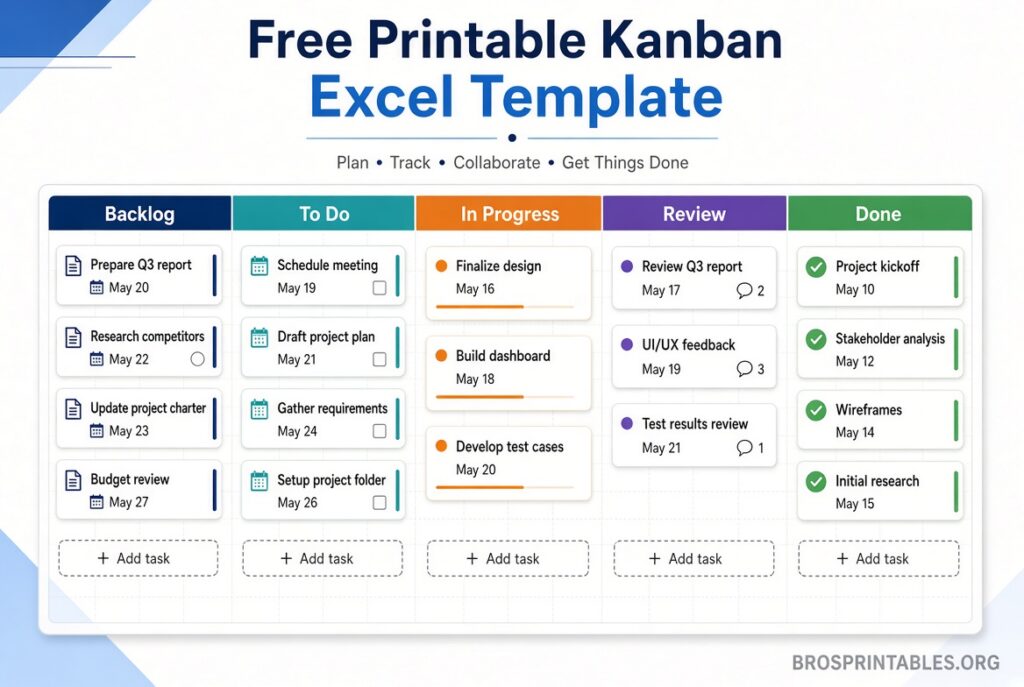
A Kanban board typically has columns such as Backlog, To Do, In Progress, Review, and Done. Tasks appear as cards that move across columns as work progresses. The method limits work in progress (WIP) so teams finish more and start less.
Excel works well for many U.S. users because:
- Most people already have Microsoft Excel or Microsoft 365.
- Files are easy to share via email, OneDrive, or SharePoint.
- You can print the board for wall display or meetings.
- No new login or subscription is required for basic use.
A free Kanban Excel template is ideal for personal productivity, small project teams, marketing campaigns, content calendars, or simple manufacturing tracking.
Key Features of a Good Free Kanban Excel Template
Look for these practical elements when you download:
- Customizable columns that match your real workflow.
- Space for task name, owner, due date, and priority.
- Color coding for status or urgency.
- Optional WIP limits or aging flags (cards that sit too long).
- Print-friendly layout.
- Compatibility with recent Excel versions and often Google Sheets.
Many templates also include a backlog area and simple progress tracking so you can see bottlenecks quickly.
Where to Download Legitimate Free Kanban Excel Templates?
Here are reliable, current sources that offer free Excel Kanban templates. All links open in a new tab and use nofollow for transparency.
- Vertex42 Agile Kanban Board Template
A clean, well-known spreadsheet that combines Kanban columns with sprint-style backlog and progress tracking. Available for Excel (2010 or later) and Google Sheets. Free for private use.
Download from the official page: Vertex42 Kanban Board Template. - ProjectManager Free Kanban Board Template for Excel
Customizable columns (Backlog, To Do, Doing, In Review, Done) with color-coded cards that include task details, assignee, and due date. Straightforward and ready to use.
Get the free Excel file here: ProjectManager Kanban Board Template. - Rock Free Kanban Board Template (with WIP Limits)
Five stages, twenty cards per stage, built-in WIP limit counters that turn red when exceeded, and aging highlights for cards that stay too long. No email required, no macros, works in Excel 2007+, Google Sheets, LibreOffice, and Numbers.
Download directly: Rock Free Kanban Excel Template.
These three sources are established and currently offer free downloads. Always download from the official pages linked above rather than third-party file hosts.
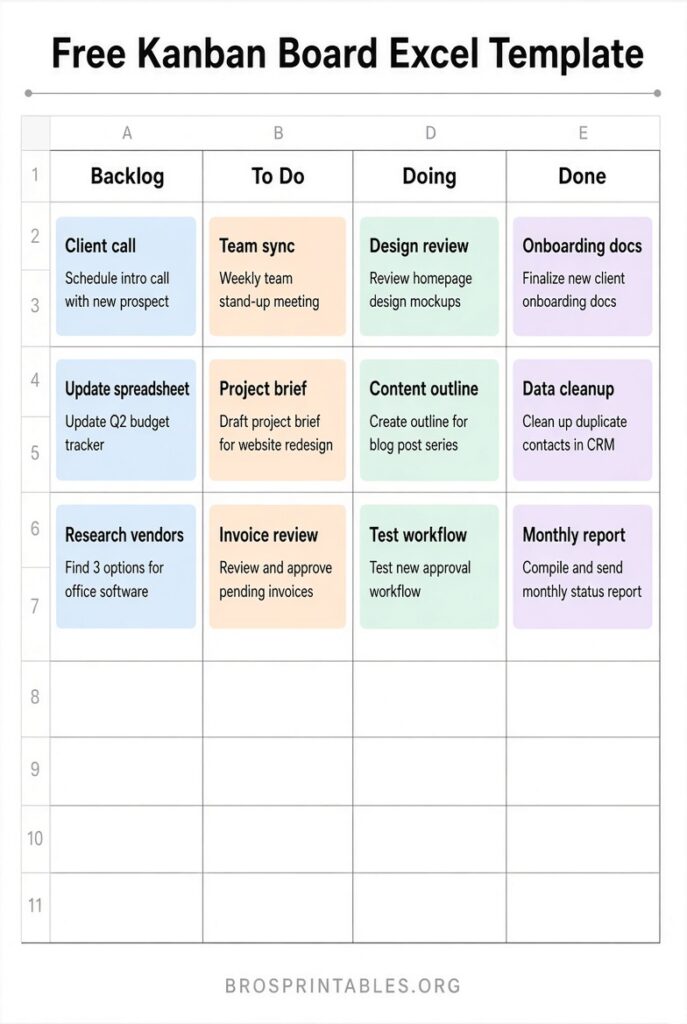
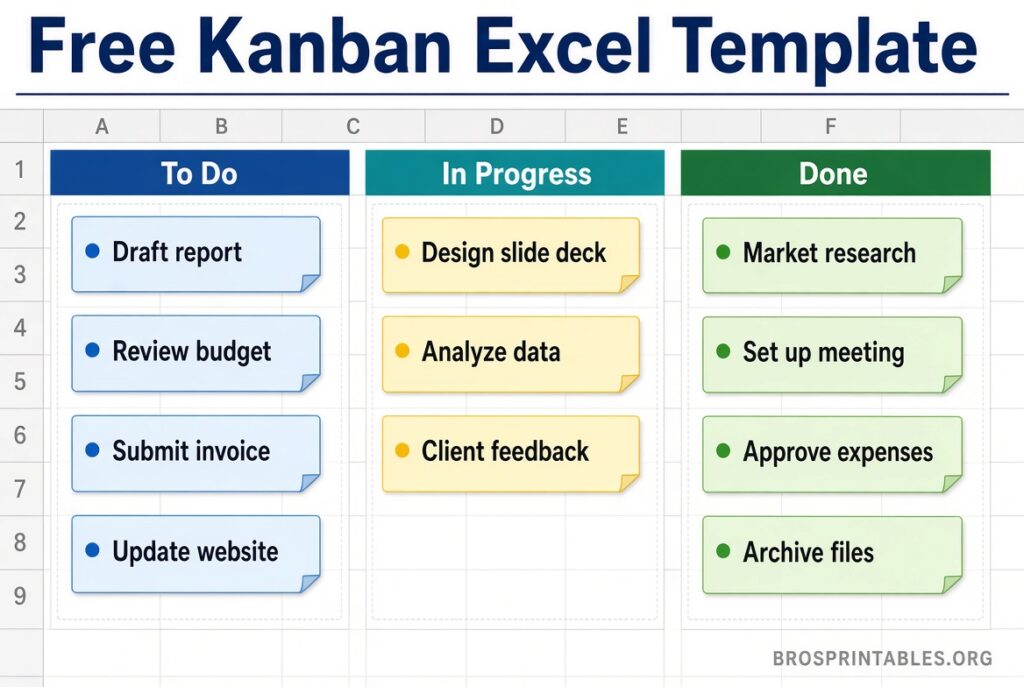
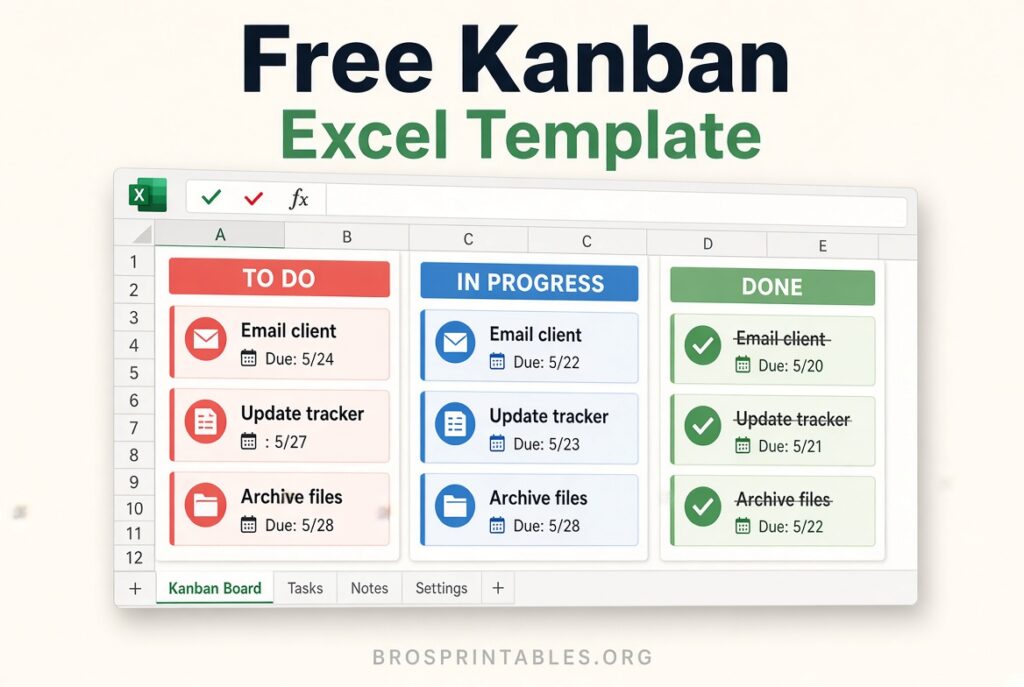
Free Kanban Excel Template
How to Set Up and Use Your Free Kanban Excel Template?
- Download and open the file in Excel or import it into Google Sheets.
- Rename the columns to match your process (for example, Draft, Edit, Design, Publish).
- Enter tasks as cards or rows under the correct column. Include owner and due date where available.
- Move cards by cutting and pasting (or dragging rows in Google Sheets) as work advances.
- Set simple WIP limits if the template supports them—start with one or two items per person in the “In Progress” column.
- Review the board daily or in short stand-ups. Update aging dates so stalled work stands out.
- Print a clean version for team walls if needed, or keep it digital and share via OneDrive for collaboration.
For remote U.S. teams, store the file in a shared Microsoft 365 or Google Drive location so everyone sees the latest version.
Tips for Getting the Most from an Excel Kanban Board
- Keep cards short and focused—one clear deliverable per card.
- Update the board in real time or at set times each day.
- Hide or archive the Done column periodically so the active board stays uncluttered.
- Add a simple priority color or flag for urgent items.
- Use filters or conditional formatting (if available) to highlight overdue work.
- When the team grows beyond a few people or multiple projects, consider moving to dedicated software while keeping the Excel template as a backup or personal tool.
Excel Kanban boards work best for individuals and small teams. Larger or highly collaborative groups often outgrow static spreadsheets and benefit from real-time online boards.
Brief FAQ
Is a free Kanban Excel template really free?
Yes. The templates linked above from Vertex42, ProjectManager, and Rock are offered free of charge for the described uses. Check each site’s license notes (most allow private or non-commercial use).
Can I print the template?
Most free Kanban Excel templates are designed to print cleanly on standard letter-size paper. Adjust column widths and page orientation (landscape often works best) before printing.
Does it work with Google Sheets?
Several popular free templates, including those from Vertex42 and Rock, import cleanly into Google Sheets for real-time collaboration.
What if I need more advanced features?
Start with the free Excel version. When you need automation, multiple boards, or heavy collaboration, many of the same providers offer online tools you can try.
A free Kanban Excel template is a practical, no-cost way for U.S. professionals to bring visual workflow management into everyday work. Download one of the trusted options above, customize the columns to fit your process, and start moving cards today.