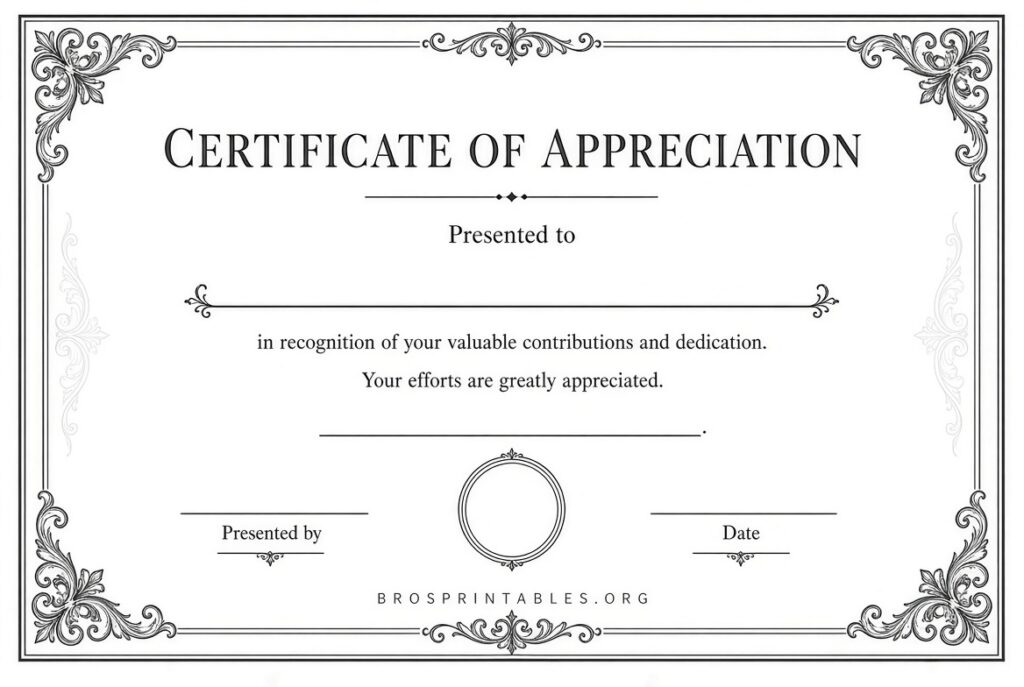
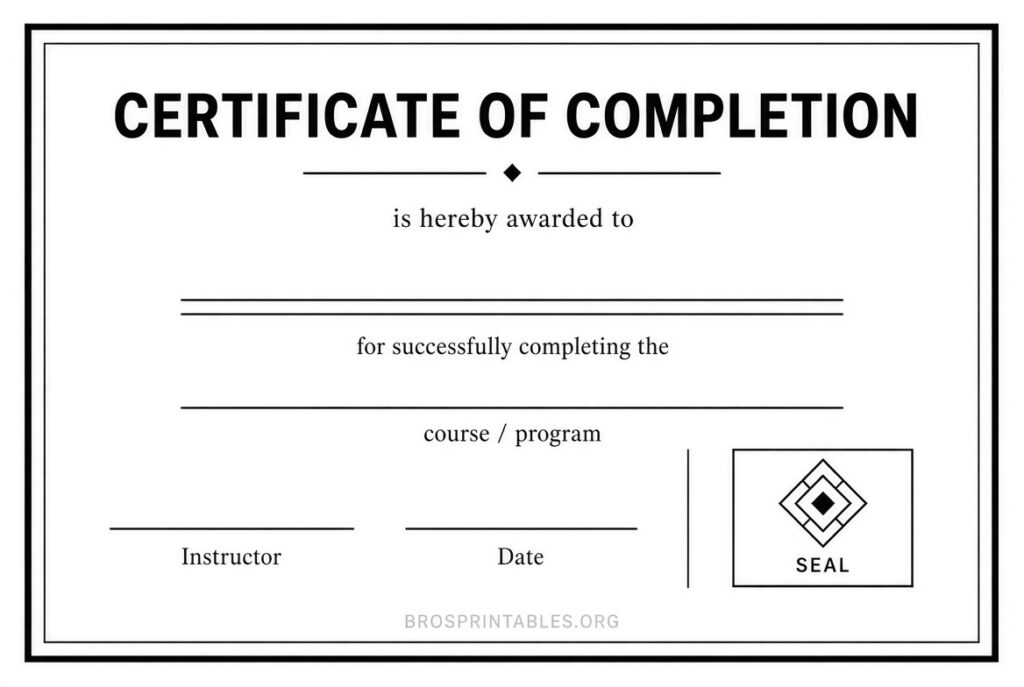
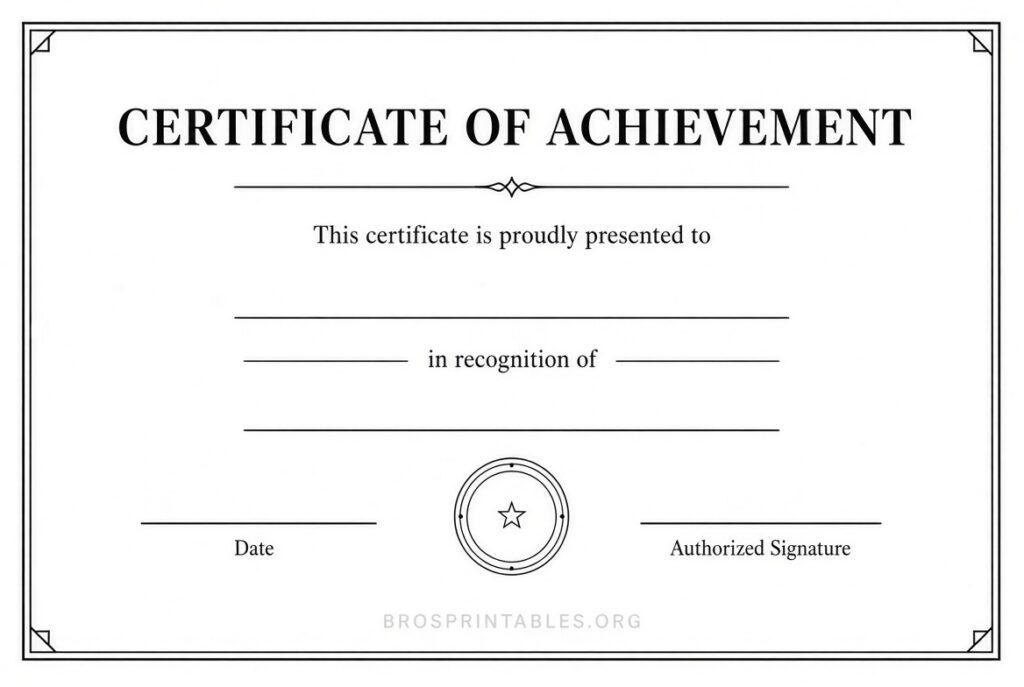
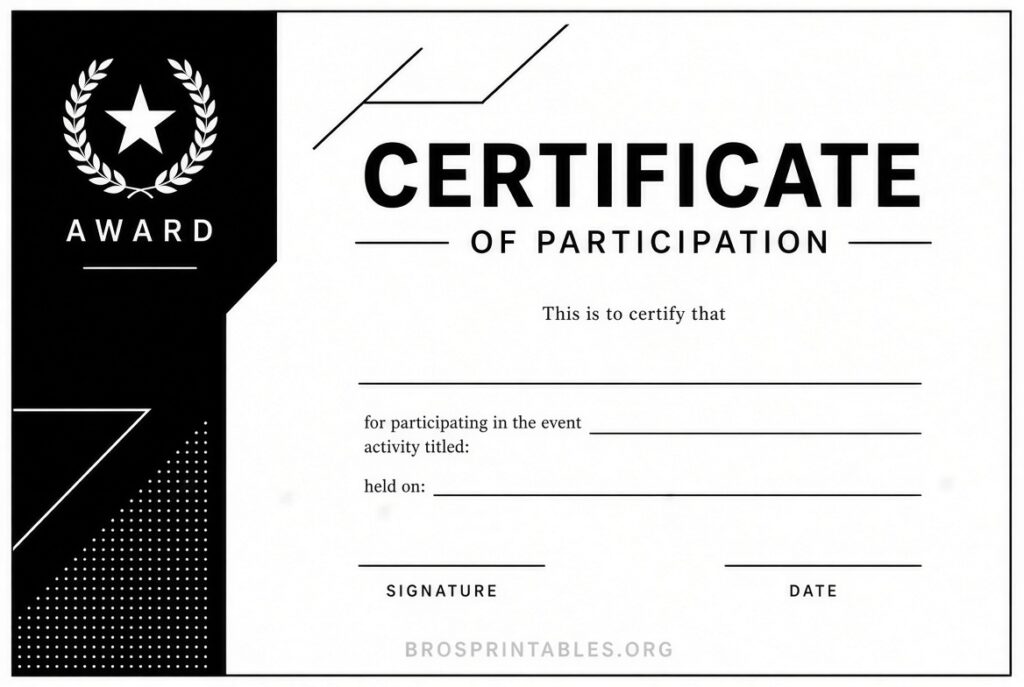
Free Black And White Certificate Templates – Looking for free black and white certificate templates that print cleanly on standard US Letter paper? These simple monochrome designs work well for schools, workplaces, training programs, and formal recognition events across the United States. Black-and-white templates save ink, look professional, and remain easy to customize without design software.
This page explains what makes a good printable certificate, where to find legitimate free options, and how to use them effectively.
Why Choose Black and White Certificate Templates?
Black and white certificate templates offer a clean, timeless look. They emphasize the recipient’s name and achievement without colorful distractions. Teachers, managers, and event organizers often prefer them because they:
- Print affordably on home or office printers
- Work well in grayscale or pure black ink
- Suit formal occasions such as completion awards, employee recognition, or academic honors
- Allow easy addition of logos or signatures
Most free templates come in landscape or portrait orientation and support standard 8.5 x 11-inch paper.
Where to Find Legitimate Free Black and White Certificate Templates?
Several reliable sites offer free printable black and white certificate templates that you can customize and download without registration or payment for basic use. Always check the site’s terms for personal or organizational use.
One strong option is Creative Certificates, which provides a dedicated selection of free black border designs. You can print a blank border or customize the text, add a ribbon, or include a logo online before printing. Visit their black border page for multiple free options: https://www.creativecertificates.com/black-border/.
123 Certificates offers formal certificate designs, including a classic black and white border style that is professional and versatile. Templates come in multiple colors and both orientations; the black-and-white version stands out for formal awards. Customize names, dates, and achievements online at no cost: https://123certificates.com/formal.php.
Canva provides a large library of free certificate templates. Search for “black and white” or “minimalist” designs, then edit text, fonts, and layout directly in the browser. Many templates remain free to download as PDF for printing: https://www.canva.com/certificates/templates.
Microsoft Create also hosts free certificate templates compatible with Word or PowerPoint. These can be customized for awards, training completion, or recognition and printed on standard paper: https://create.microsoft.com/en-us/templates/awards.
These sources focus on free, editable templates suitable for everyday US use. Avoid sites that require payment after a free trial or push low-quality watermarked files.
Free Black And White Certificate Templates
How to Customize and Print Your Certificate?
Start by selecting a template that matches your needs—simple borders for schools or more formal frames for professional awards.
- Open the template in the site’s editor or download the editable file.
- Replace placeholder text with the recipient’s full name, the exact achievement or course title, the date, and the issuing organization.
- Add a signature line or digital signature if required.
- Insert a logo if your organization has one (most free tools support image uploads).
- Preview the design, then download as a high-resolution PDF.
- Print on quality paper (cardstock looks more official) using black ink or grayscale settings.
For best results, set your printer to “actual size” or 100% scale and use landscape orientation when the template calls for it.
Common Uses for Free Printable Certificates
In the United States, free black and white certificate templates appear frequently in:
- Classroom awards and end-of-year recognition
- Employee of the month or training completion
- Volunteer appreciation and community events
- Sports or club participation certificates
- Professional development or workshop certificates
The simple design keeps the focus on the achievement while remaining easy to produce in bulk.
Tips for Professional-Looking Results
Keep text concise and centered. Use a clear, readable font such as Times New Roman, Arial, or Garamond for the recipient’s name. Leave enough white space so the certificate does not feel crowded. If you plan to frame the certificate, choose a design with a clean outer border.
Always proofread names and dates before printing multiple copies.
FAQ
Are these black and white certificate templates truly free?
Yes. The sites listed above offer free customization and downloading for personal or organizational end-user printing. Review each site’s terms of use.
What paper size should I use?
Standard US Letter (8.5 x 11 inches) works with nearly all free templates.
Can I add my own logo?
Most online editors and downloadable files allow logo insertion.
Do I need special software?
No. Browser-based tools let you edit and download PDFs without installing anything.
Free black and white certificate templates make it simple to create professional recognition documents quickly and affordably. Choose a trusted source, customize the details, and print high-quality certificates ready for presentation.