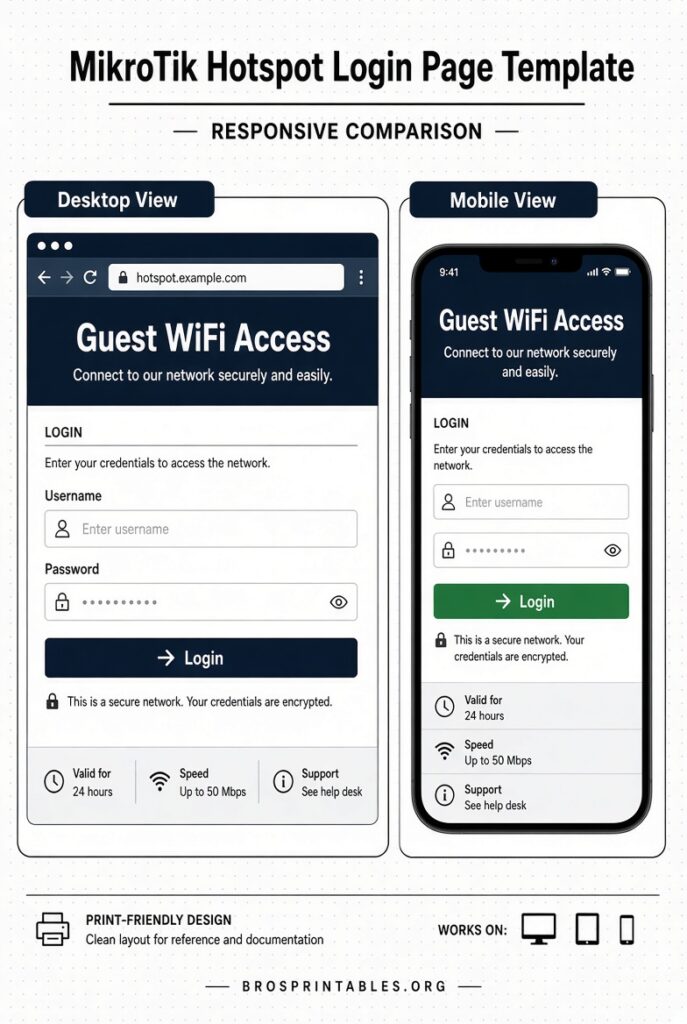
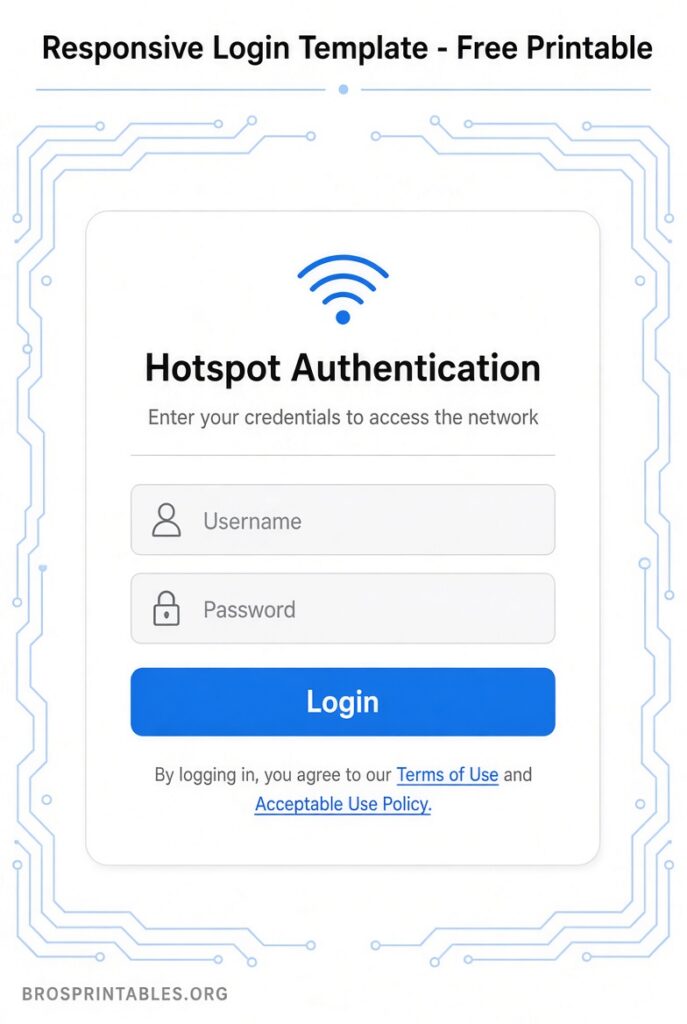
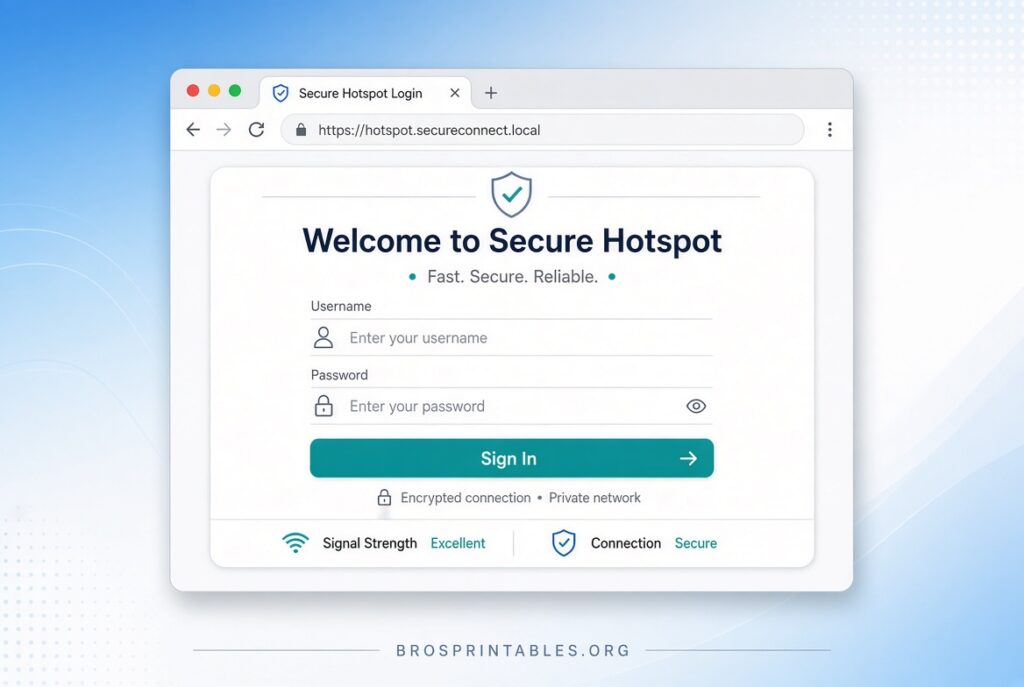
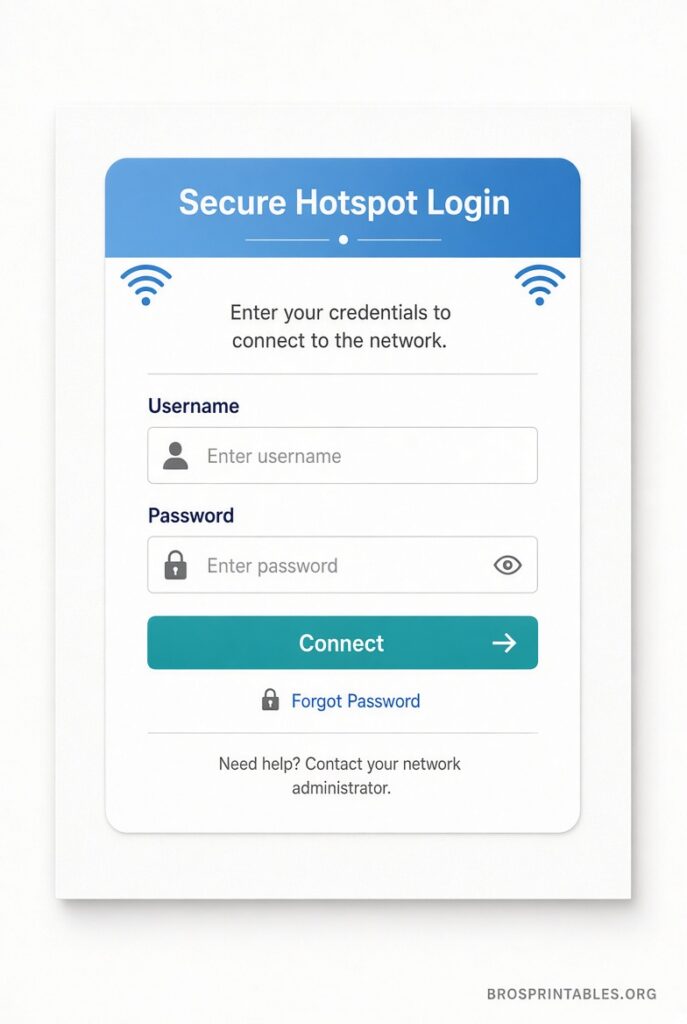
Mikrotik Hotspot Login Page Template Responsive Free Download – MikroTik RouterOS includes a built-in hotspot feature that redirects users to a login page before granting internet access. The stock page is functional but plain. Responsive templates improve the experience by automatically adjusting layout, text size, and buttons for any screen. All templates listed below are free, open-source, and ready to download as ZIP files from their repositories.
Why Choose a Responsive Free Template?
Most users connect from smartphones. A non-responsive page looks broken and can increase support requests. Free templates solve this without paid design tools or coding from scratch. They typically include login, status, logout, and error pages plus the required md5.js file for authentication. You can add your logo, colors, and terms of service with basic HTML and CSS edits.
Official MikroTik documentation explains the page variables and directory structure you must keep. Start there to understand how the system works before uploading any custom files.
Read the MikroTik Hotspot customisation guide for the complete list of available pages and variables.
Best Free Responsive MikroTik Hotspot Login Templates
These GitHub repositories provide complete, tested templates. Download the ZIP from the Code button on each page, extract it, and upload the contents to your router. Each one supports username/password login and works with standard hotspot profiles.
- wispcasts/mikrotik-hotspot-page – Clean Bootstrap-based responsive design with login, status, logout, and error pages. Download the ZIP and drop the files into the router’s Files folder.
- nab-cat/mikrotik-hotspot-login – Modern Tailwind CSS v4 template that is fully responsive and easy to brand with your logo and colors. Includes setup instructions for uploading via Winbox or FTP.
- Focuslinkstech/Responsive-Mikrotik-Hotspot-Login-Page – Feature-rich template with responsive layout, optional sliders, and dark/light mode support for better user experience.
- grafjo/mikrotik-hotspot-webinterface – Established Bootstrap 3 template with clear installation steps. Ideal if you prefer a classic, lightweight look that still scales on mobile devices.
All four are free to use and modify. Always keep a backup of your original hotspot directory before replacing files.
Mikrotik Hotspot Login Page Template Responsive Free Download
How to Install a Custom Template?
1. Download the ZIP from one of the repositories above and extract it on your computer.
2. Connect to your MikroTik router with Winbox or WebFig. Open the Files window and upload the extracted folder (or its contents) to the root or to a folder named hotspot.
3. Go to IP → Hotspot → Server Profiles. Edit your active profile and set the HTML Directory field to the exact folder name you uploaded.
4. Disable and re-enable the hotspot server, then test by connecting a device to the Wi-Fi network. The new login page should appear.
If the page does not load, verify that md5.js is present and that file names match the defaults (login.html, logout.html, status.html, etc.).
Customization Tips
Replace the logo image with your own PNG or JPG of similar size. Update colors in the CSS file and change any welcome text or terms in login.html. Keep MikroTik variables such as $(username), $(error), and $(link-login-only) intact so authentication continues to work. Test on both a phone and a laptop after every major change.
Frequently Asked Questions
Are these templates really free?
Yes. The linked GitHub repositories are public and free to download, use, and modify under their respective open-source licenses.
Do I need coding skills?
Basic HTML and CSS knowledge helps for branding changes, but the templates work out of the box after upload.
Will a custom page affect authentication?
No, as long as you keep the required form fields, md5.js, and MikroTik variables. The router still handles the actual login process.
Can I use these on RouterOS 7?
Most templates remain compatible. Always test on a non-production router first and consult the official customisation documentation if variables have changed.
These free responsive MikroTik hotspot login page templates give you a professional captive portal without extra cost. Download one of the repositories above, follow the installation steps, and give your users a cleaner experience on every device.